ClipShare Share & Save video
Pavel Viartsinski

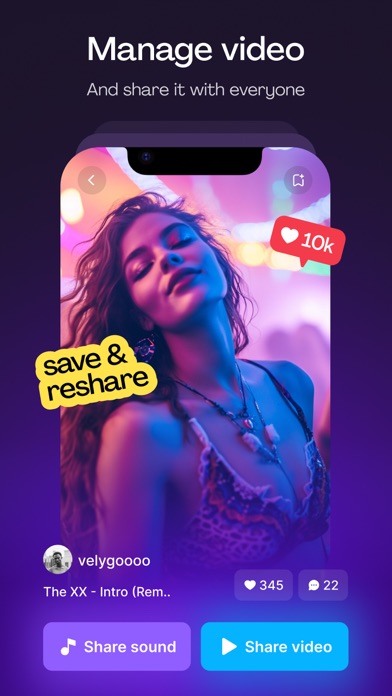
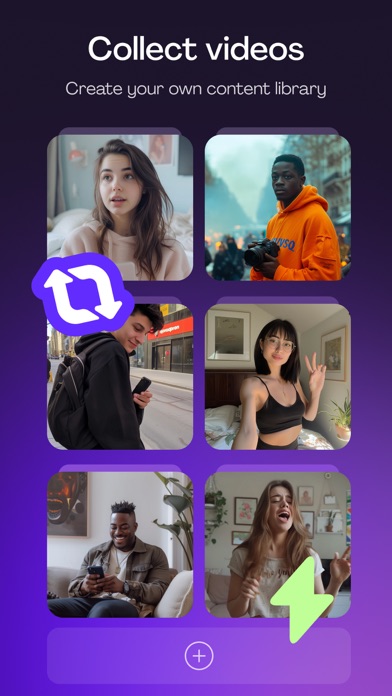
ClipShare #1 app to share video. With just a couple of clicks, you can save and share video. How it works: 1. Copy video link 2. Open ClipShare and insert video link 3. Enjoy! You must know: - Any unauthorized reposting of contents and/or violations of intellectual property rights is the sole responsibility of the user. Subscription: You can subscribe for this app to get unlimited access all the features for 1 week with 3-day trial. Terms of UsePayment will be charged to iTunes Account at confirmation of purchase. Subscription automatically renews unless auto-renew is turned off at least 24-hours before the end of the current period. The account will be charged for renewal within 24-hours before the end of the current period. The cost depends on the selected plan. Subscriptions may be managed by the user and auto-renewal may be turned off by going to the user’s Account Settings after purchase. EULA: https://tiktoreposter.thetheme99.com/terms-conditions/ Privacy Policy: https://tiktoreposter.thetheme99.com/privacy-policy/
Screenshots