IPTV m3u player + Chromecast
Alexey Beschetnikov

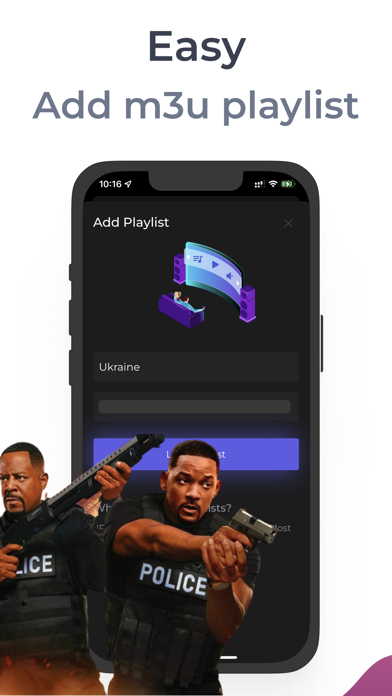
IPTV player m3u playlists + Chromecast (for TVSony, Philips, TCL, Hisense, Vizio, Xiaomi, Blaupunkt etc) Warning: App does not contain any channel translations. You need to buy access to playlists from licensed IPTV providers Features of IPTV Cat: • m3u player • Add Unlimited playlists • Airplay • Picture-in-picture. • Easy search • Beautiful interface • Image output to TV (if your TV supports it) • Update playlist in one swipe to the right IPTV technology that allows you to read m3u playlists with m3u8 files. Use AirPlay to output to other devices. We do not broadcast TV channels and do not post content. The application is used to play m3u playlists that the user specifies in the application. Disclaimer: - This Application does not offer any kind of media or content, users must provide their content. - We simply handle the user information in an intuitive way as long as the user have the access. - We do not endorse the streaming of copyright-protected material without permission from the copyright holder. To watch channels, you need to buy access to TV playlists from licensed IPTV providers Terms: https://sites.google.com/view/iptv-cat/terms-of-use Privacy: https://sites.google.com/view/iptv-cat/privacy-policy
Screenshots