Authenticator app - 2FA, MFA
Maxima Apps

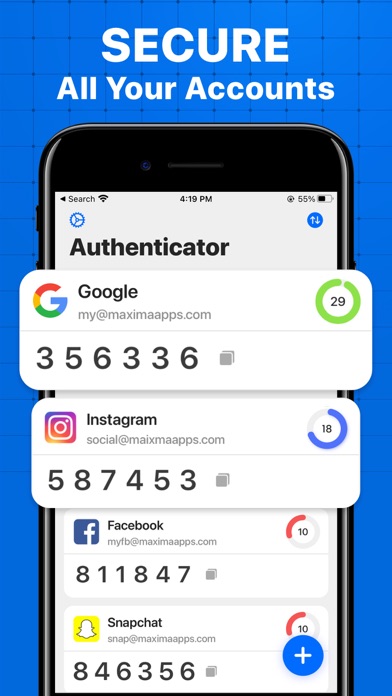
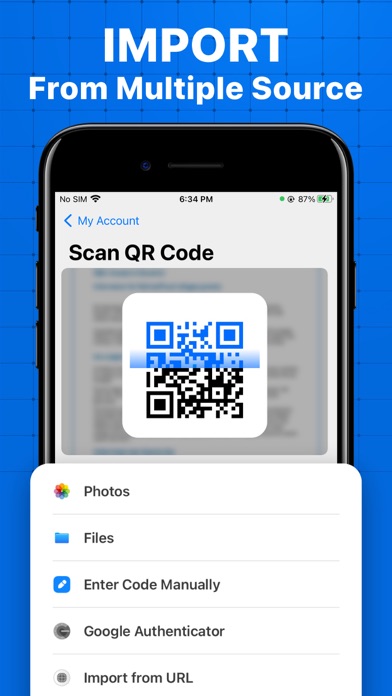
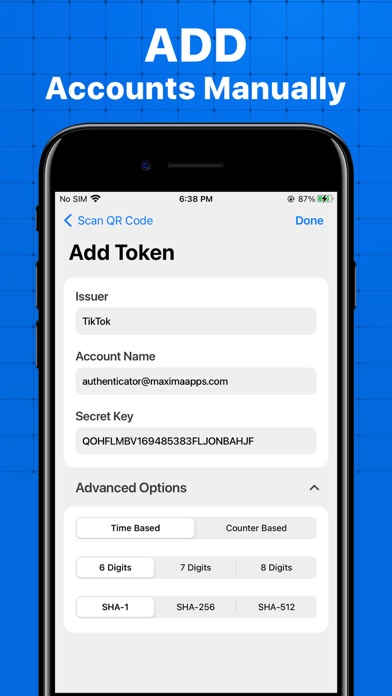
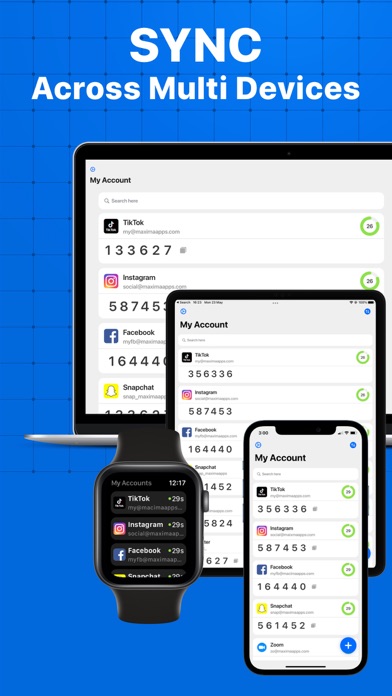
Authenticator app is a highly recommended free 2FA app used for securing your accounts on different platforms such as Instagram, Google, Facebook, Github, Twitter and many more. We support 1000+ apps for authentication! Take a look at the unique features of the app: - Apple Watch Support Now access your 2-factor & multi-factor authentication codes from your Apple watch for faster accessibility. - Quick Widget Support Add widgets to your screen for faster, easier 2FA & Multi-Factor Authentication. - Super Safe & Secure: Your passwords are safe and sound as the app has no data exchange with the internet, so no one can get to know it except you. - Scan QR Code: Just one tap QR scan for easy access and hassle-free registration. - Enter Code Manually: Enter a secret key to the app for secure authentication. - Supports All Popular Accounts: Authenticator app supports the most popular services including Facebook, Coinbase, Amazon, Google, Instagram, Roblox and thousands of other providers. - No Password Stored: The application generates Time-based One-time Passwords (TOTP), stored on the user's phone without internet access. This solution dramatically increases login security. - Encrypted Backup: In Authenticator, you can always make a secure encrypted backup, in case you lose your device or switch to a new one. For a safe and secure experience try the application NOW! Privacy Policy: https://maximaapps.com/authenticator/privacy/ Terms of Use: https://maximaapps.com/authenticator/terms_of_use/ For any questions or requests, please use our customer support: feedback@maximaapps.com
Screenshots