Snippet Dev Tools - Codelime
Khuong Pham

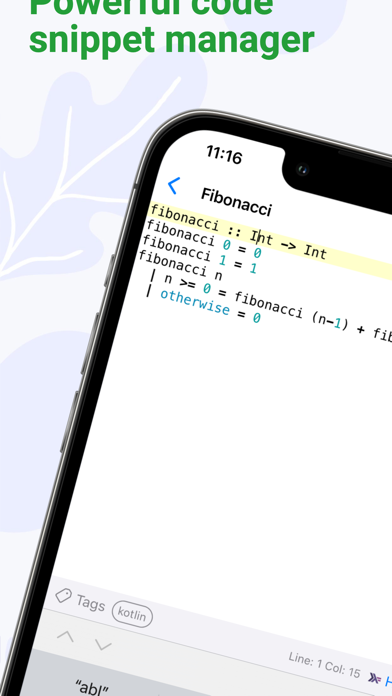
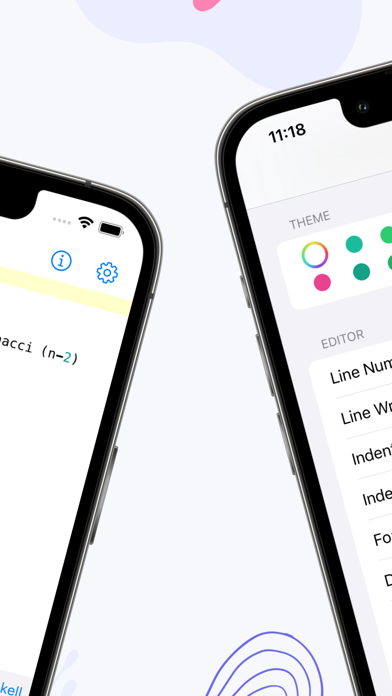
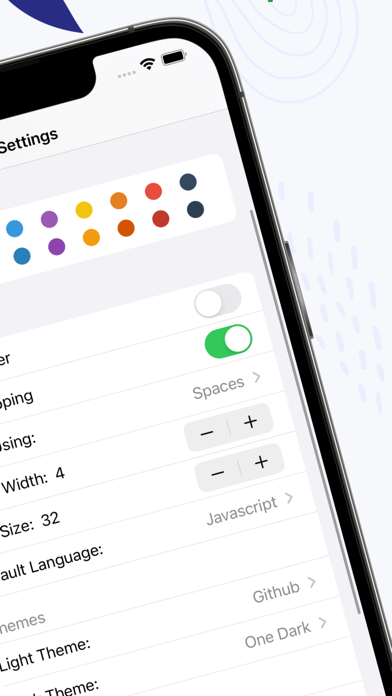
Codelime is a native cross platform snippet manager with many dev tools for iOS development. It is universal that works across Mac, iPhone and iPad. - Native first. Codelime is built with native Swift code for true platform experience. - Privacy focused. It works offline, your data remains on your machine and all logic is done offline. - Data is saved locally and synced via your iCloud - Ongoing list of dev tools Code snippet editing - Battle tested editor with over 110+ languages supported and 20 themes for light and dark mode - Advanced settings to adjust font size, line numbers, themes and wrapping - Name and add note to a snippet - Splendid syntax highlighting - Organize snippets into folders and tags - Customize tags with name and colors - Customize folders with name and default language - Create nested folders - Support GitHub markdown and preview markdown - Share snippet - Get summary about number of lines, characters, words in a snippet - Backup all snippets any time - Enable iCloud sync to sync snippets across devices Mac, iPhone and iPad - Quickly search snippets by name, tag and content - Status menu bar mode. You can create and save snippet on the go conveniently in the menu bar. Dev tools - Ongoing list of 7+ dev tools with focus on iOS development - Encode and decode for base64 - Hash with many popular hash functions - Encode and decode URL - Generate asset catalog AppIcon set - Generate model from JSON - Transform text into many cases - Convert number to different number bases For more information, visit https://indiegoodies.com/codelime Terms of use https://indiegoodies.com/codelime/terms
Screenshots