LIVE QR PLUS
boardwalk

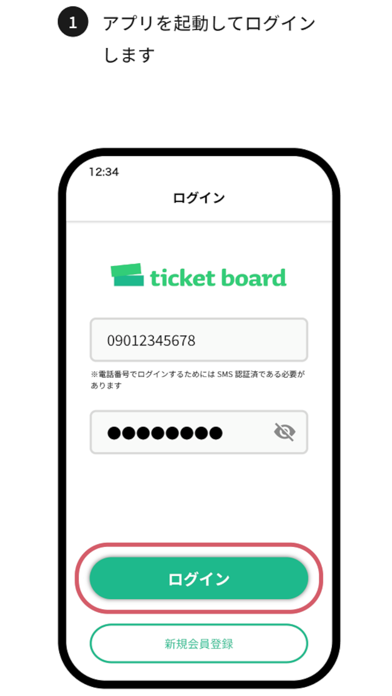
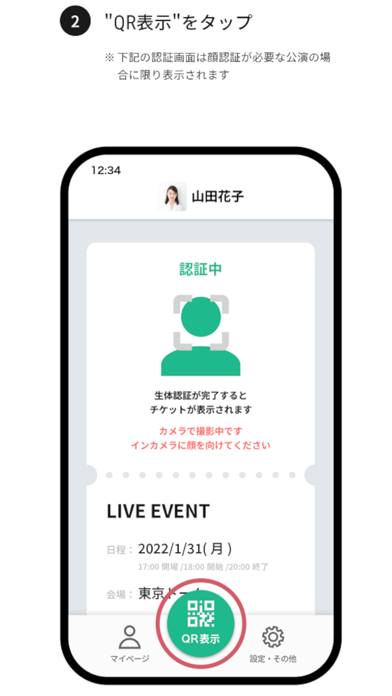
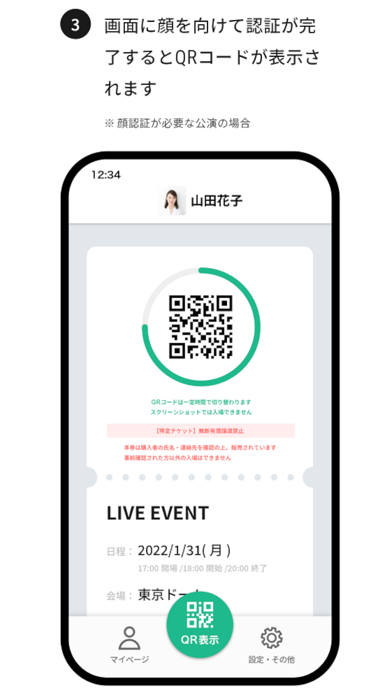
UPLOADING FACE PHOTO Don't need to check your ID on the day of a show if you upload your face photo beforehead. *Depends on the event, it may need ID. SEAT CONFIRMATION Seat informations automatically display on APP, when a ticket purchased with the service is issued. ENTRANCE 1)Start the APP 2)Display the QR code on your smartphone 3)Place the QR code on the reader and Enter the venue. *QR code is changed regularly. You cannot enter the screenshot.
Developer website
https://apps.apple.com/us/developer/boardwalk/id522617035?uo=4Released
2022-03-06T08:00:00Z
Current version
1.2.0
Screenshots