Storm Sniffer - Packet Capture
Hunan Storm Technology Co.,Ltd

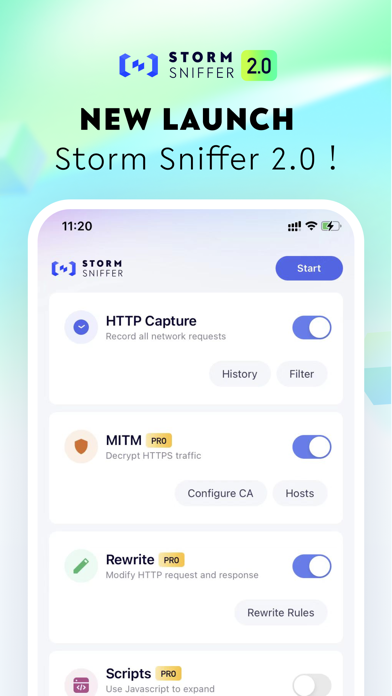
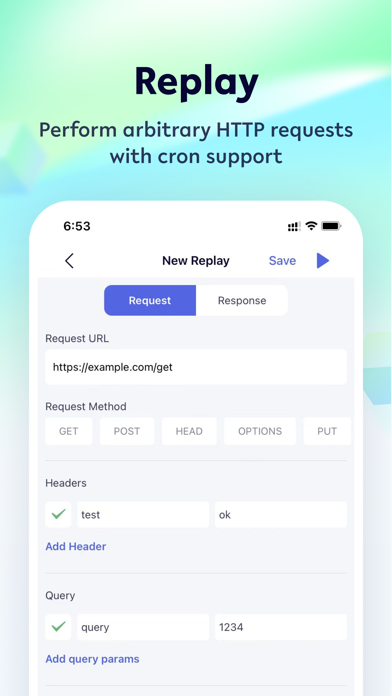
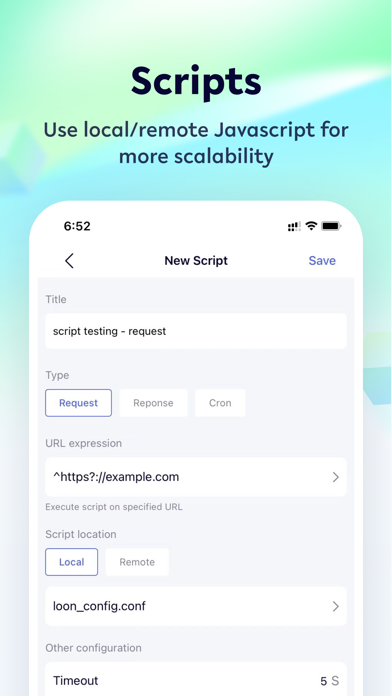
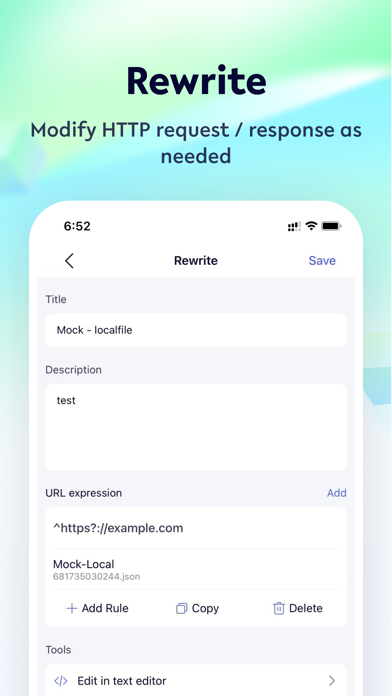
Storm Sniffer lets you capture and inspect HTTP / HTTPS requests &responses on your iOS device. It's easy to debug your app’s networking issues without a computer. * Features Packet capture: capture http / HTTPS traffic from iOS devices using local VPN. View http / HTTPS requests and responses in text form, and support HTML, JS, CSS formatting preview; Rewrite: modify http / HTTPS requests and responses in real time. Including URL redirection, custom header, local / remote file mock, etc; Replay: Perform arbitrary HTTP requests with cron support; Scripts: Use local/remote Javascript for more scalability. * How it works Storm Sniffer creates a local VPN on your device, then forwarding all traffic to a Local Man-in-The-Middle Server. As long as the VPN is active, Storm Sniffer can capture all HTTP / HTTPS traffic over Wi-Fi or Cellular Data. * About the sensitive data Storm Sniffer's Root Certificate is a self-signed certificate that is generated in your device. All HTTP / HTTPS requests & responses are captured and stored on your devices WITHOUT ANY REMOTE SERVERS involved. * About Subscription After subscription, you can unlock all advanced functions. Currently, there are three kinds of auto-renewable subscription: Annual $17.99、Quarterly $3.99、 Monthly $1.99 * Terms of Use https://sniffer.x-storm.com/terms/ * Privacy Policy https://sniffer.x-storm.com/privacy/
Screenshots