Metar-Taf
Eveline van den Boom

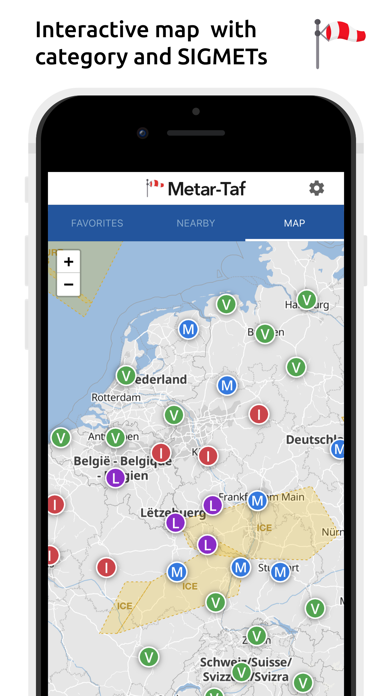
Visualized METAR and TAF weather information for all airports in the world. Concise summary of everything you need to know about today's aviation weather. METAR features: - Visualized in easy to understand and colourful metrics - Weather symbols for significant weather and clouds, like in a non-aviation weather report - Crosswind calculations, by combining METAR and runway information - Flight rules category: VFR, MVFR, IFR, LIFR - Read out by text-to-speech available, listen to a decoded METAR while doing other things TAF features: - TAF broken down and displayed per hour in a table - Show sunrise/sunset, minimum and maximum temperature Keeping track: - Add your favorite stations to the list, see their weather at a glance - Get observations near your location - Find stations in the interactive map with weather codes - Search airports by ICAO code or name History: - Graphs with weather trends today and yesterday: temperature, visibility, wind speed, QNH - METAR history for the last hours and link to more on the website Airport information: - See information about the airports, like runway directions, elevation, location - If the airport doesn't report a METAR, the nearest station used for calculations Calculations: - All units are customizable units: speed (knots, km/h, m/s, mph), altitude (meters/feet), visibility (kilometers/miles), temperature (Celcius/Fahrenheit) and air pressure (Hectopascal, Inch Hg) - Times are converted to the local time for each airport - Sunrise and sunset are calculated based on the airports latitude/longitude General: - METAR, TAF and airport data are automatically saved for offline use - Available in 6 languages: English, Dutch, Spanish, Portuguese, German and French
Screenshots