myPTPTN
PERBADANAN TABUNG PENDIDIKAN TINGGI NASIONAL

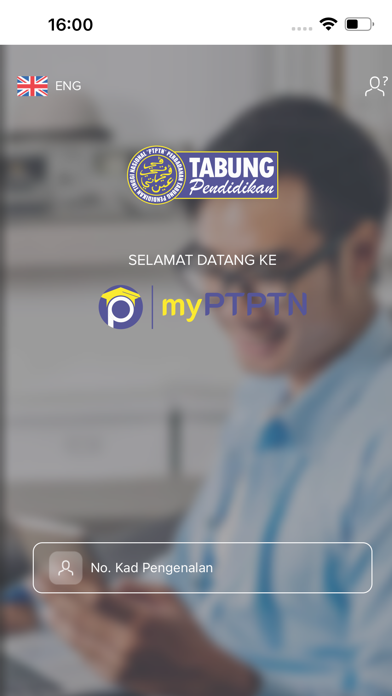
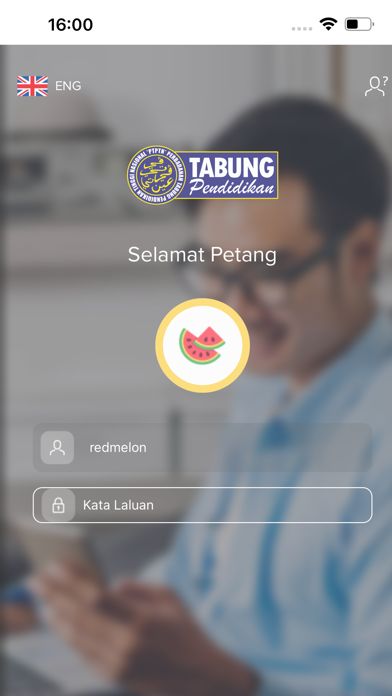
myPTPTN, The Official Mobile App of Perbadanan Tabung Pendidikan Tinggi Nasional (PTPTN) Presenting the new myPTPTN application for faster and easier access to your PTPTN account anytime, anywhere. Key features include: My Account - view your account information and transaction history Services - loan application, open Simpan SSPN account, add your savings, loan repayment and more Promotion - stay in the know about PTPTN latest campaigns Inbox - receive important notifications and messages Profile - update your personal details Branch - check it out our PTPTN Offices information near you Help - obtain information on repayment, loan and savings Are you a new myPTPTN user? Start your first step by registering for MyDigital ID first. Step 1 : Enter your Identification Card (IC) number Step 2 : Download the MyDigital ID application Step 3 : Click “Register Online” Step 4 : Read & confirm the Privacy Policy Step 5 : Enter your email information Step 6 : Click “OK” Step 7 : Complete the facial recognition process Step 8 : Create a password Step 9 : Click “Finish” Step 10 : MyDigital ID account successfully registered If you are an existing user, continue logging in as usual or enjoy a more secure experience with MyDigital ID, the latest login method that fully protects your information. Step 1 : Log in with MyDigital ID Step 2 : Click “YES” Step 3 : Click “YES” Step 4 : Enter your MyDigital ID password Step 5 : Click “OK” to proceed to the myPTPTN page Step 6 : Successfully logged in to myPTPTN Now you can enjoy the services at your fingertips! Experience new excitement in our digital transformation for your endless convenience. Download your myPTPTN mobile application now! YOUR OPPORTUNITY TO SUCCEED
Screenshots