Unity AR Companion
Unity Technologies ApS

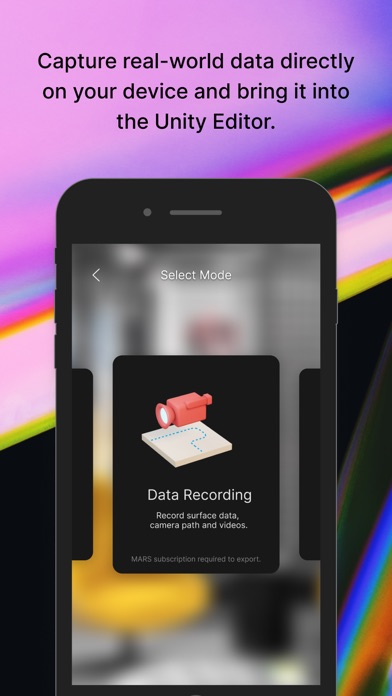
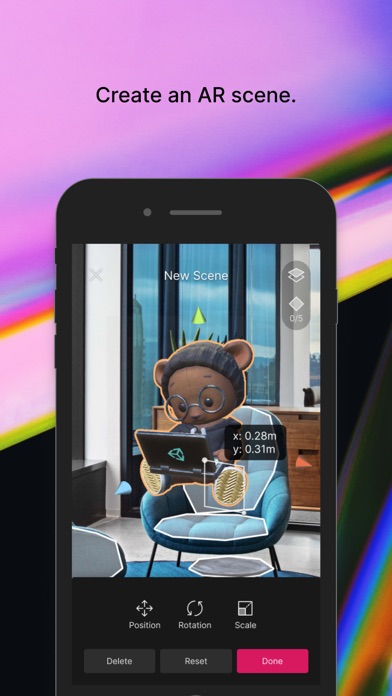
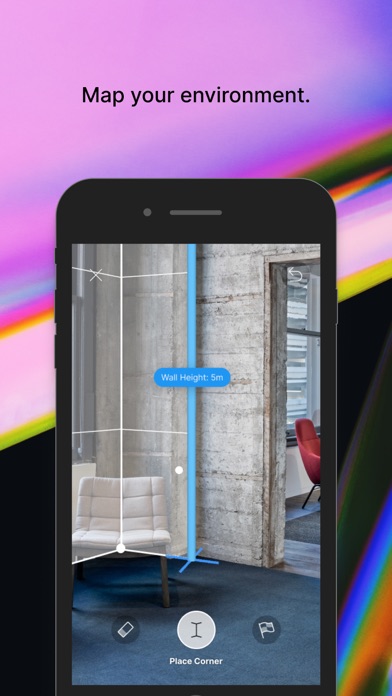
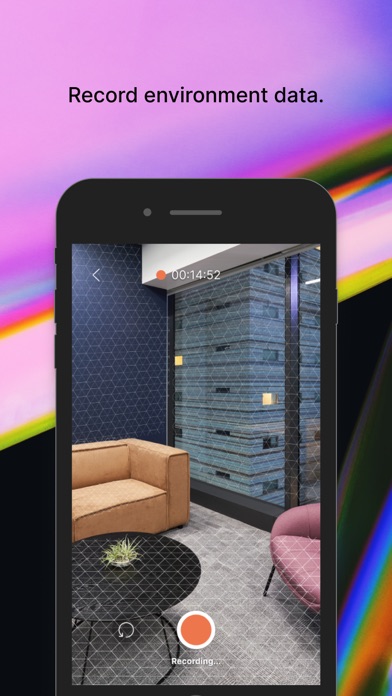
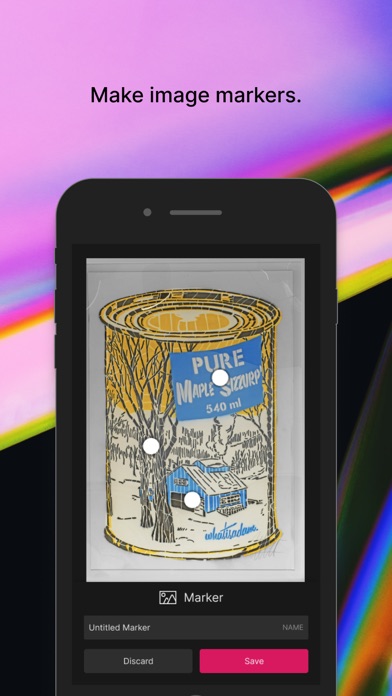
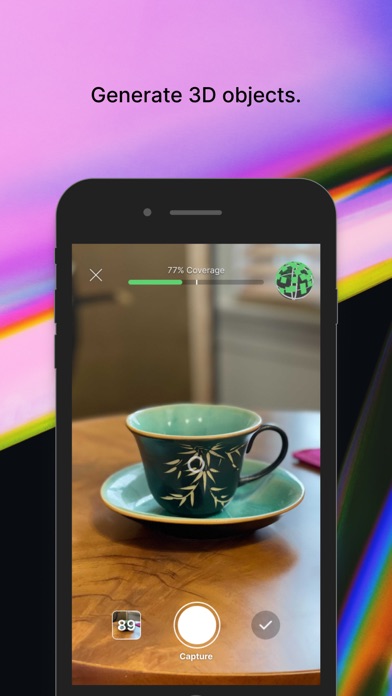
Capture real-world data directly on your device and bring it into the Unity authoring environment to quickly create and iterate on your AR experience. **This app requires the Unity Editor. Some features require a Unity MARS subscription (see the requirements below).** Decrease iteration time and deliver better AR experiences that will accurately run in the location they’re built for. Unity AR Companion app features: ENVIRONMENT CAPTURE (Unity MARS subscription recommended.) - Capture a static environment scan of a room, location or various planes - Use video to record real-world data for playback - Use video to capture walk-throughs of your target location AR SCENE EDITING (Unity MARS subscription recommended.) - Import content and layout assets directly on your device - Create image-based markers or add a hotspot - Create in-Editor game objects and preview them directly on device – without needing to manually export/import - Import 3D-scanned inventory or other assets and immediately inspect their look and feel on the target mobile platform - Assign placement constraints, like surface elevation and minimum dimensions, to your digital objects STORE AND SYNC - Sync in-Editor assets to the cloud and have them immediately reflected on your device - Includes 1 GiB of cloud storage with your Unity Connect account - Includes 10 GiB of cloud storage for every seat of Unity MARS
Screenshots