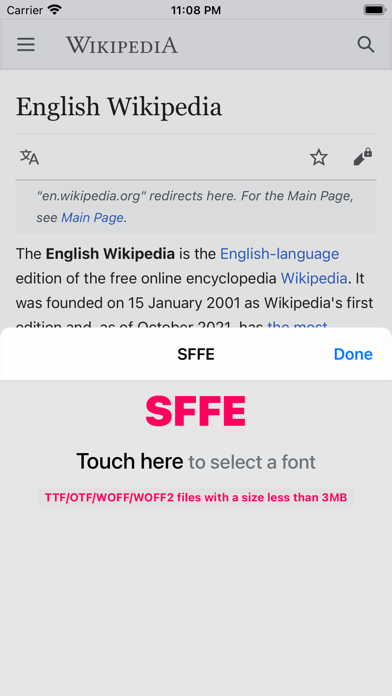
SFFE
BLUEAT

Make Safari easier to read with your own fonts. SFFE lets you change website fonts in Safari to match your personal style. Register fonts and create groups in the app, then quickly apply them per site in Safari. Key Features - Import TTF, OTF, WOFF, and WOFF2 fonts - Apply font groups by website - Language-based font settings (Korean, English, Japanese, Chinese Simplified/Traditional) - Preview before applying (numbers/symbols, your language first, multilingual paragraph samples) - Light and Dark mode support How to Use - Enable SFFE in Settings > Safari > Extensions. - Open Safari and tap the puzzle icon next to the address bar. - Select the font group you want for each site. Notes - Large font files may take longer on first load. - Support: sffe@blueat.me
Screenshots