Calc4Key
Khang Le

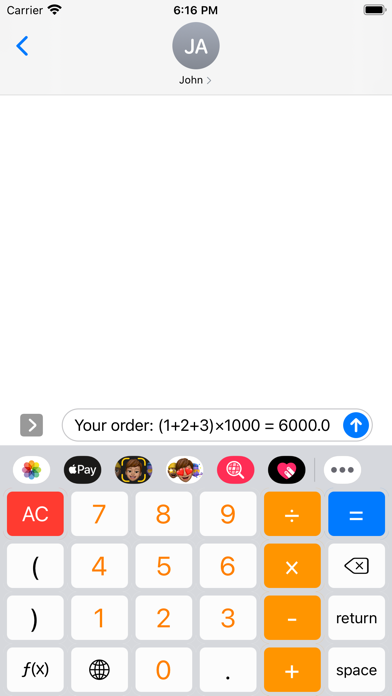
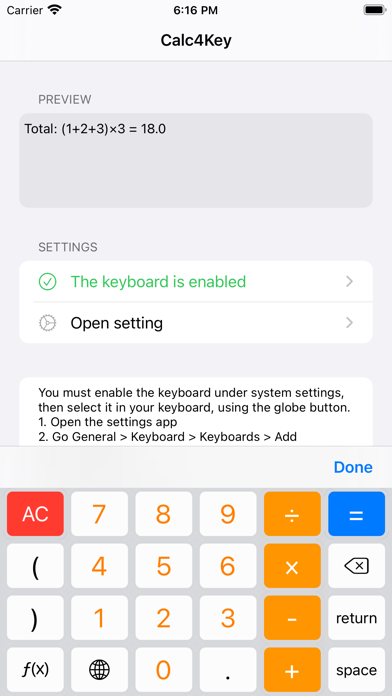
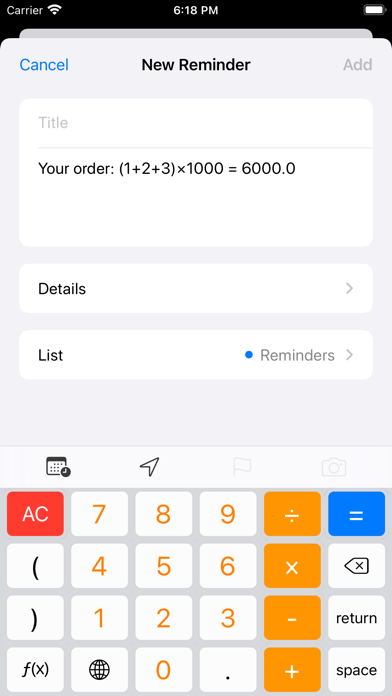
Use calculator directly on keyboard anywhere, anytime. No switch apps, no copy and paste results anymore! You must enable the keyboard under system settings, then select it in your keyboard, using the globe button. 1. Open the settings app 2. Go General > Keyboard > Keyboards > Add New Keyboard 3. Add Calc4Key 4. Start typing in any app 5. Press "globe" icon to switch to the Key4Cal keyboard 6. Enjoy
Screenshots