SCAN PDF - Clear Doc Scanner
Kam Hung Li

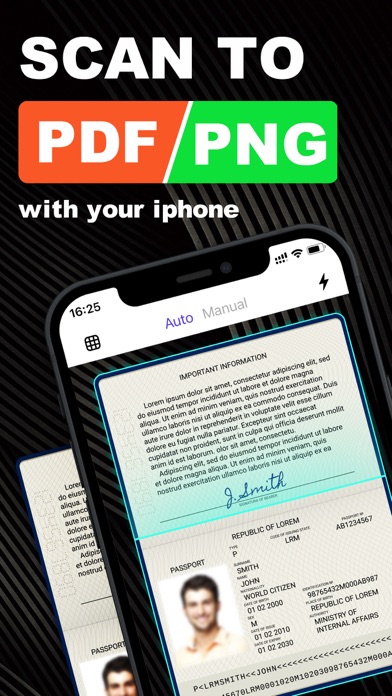
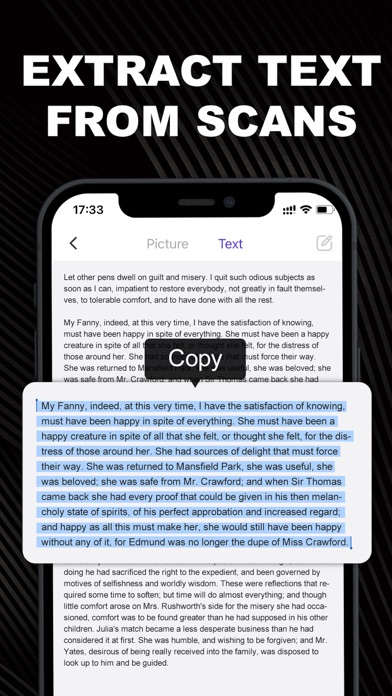
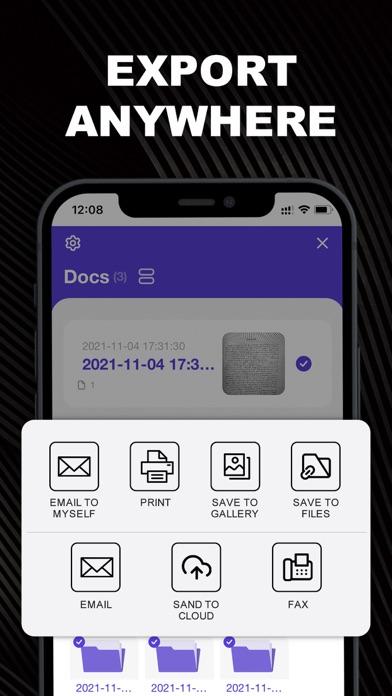
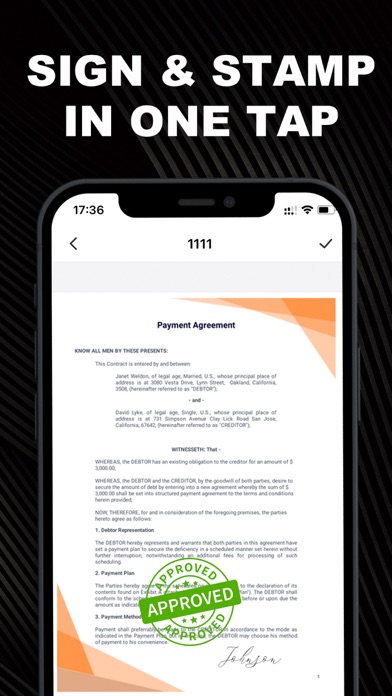
Scanner App is a free tool that turns your iPhone into a portable scanner. Using Scanner App, you can easily scan office documents in high quality. It lets you access or share documents from the cloud, edit scanned files, and recognize or extract text (OCR) from PDFs or images. Point your phone’s camera at the document, Scanner App will automatically recognize and scan the document. It allows you to scan notes, forms, documents, receipts, images, photos and convert them to PDF files. It is simple and effective to use and for most people it can completely replace a physical scanner or printer. MORE FEATURES - Fast document edge detection - Precise automatic crop - Batch-scanning mode for multi-page documents - Convert images to PDF, PNG, or Text files - Apply filters in color, grayscale, or black and white - Share multipage documents in high quality PDF - No watermarks - Sign or add a signature with one finger - OCR for more than 10 different languages - Reorder scanned pages - Protect private files with password - Rename files or folders - Sync, store or share files to cloud storage - Dropbox, Google Drive, and other cloud storage options UNLIMITED ACCESS MEMBERSHIP SUBSCRIPTION – You can subscribe to get unlimited access to all app features – Subscriptions are billed weekly, monthly, or annually at the rate based on the subscription plan – Payment will be charged to iTunes Account at confirmation of purchase – Subscription renews automatically unless auto-renew is turned off at least 24 hours before the end of the current period – Account will be charged for renewal within 24 hours prior to the end of the current period. The cost depends on the selected plan – Subscriptions may be managed by the user, and auto-renewal may be turned off by going to the user's Account Settings after purchase – Any unused portion of the free trial will be forfeited when the user purchases a subscription Privacy Policy: https://d3mf07uto46mw9.cloudfront.net/effscan/privacy.html Terms of Use: https://d3mf07uto46mw9.cloudfront.net/effscan/terms.html
Screenshots