Code Editor - Compiler & IDE
Rhythm Software

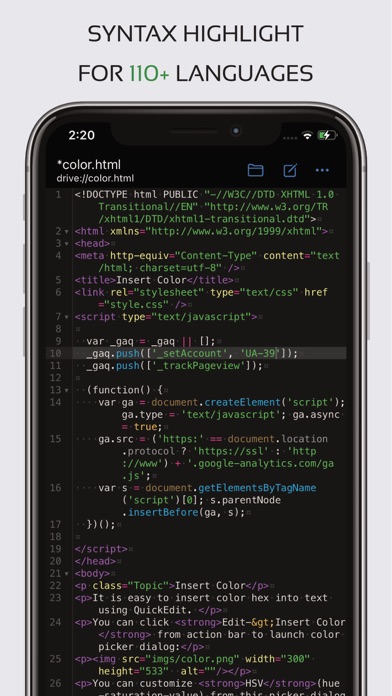
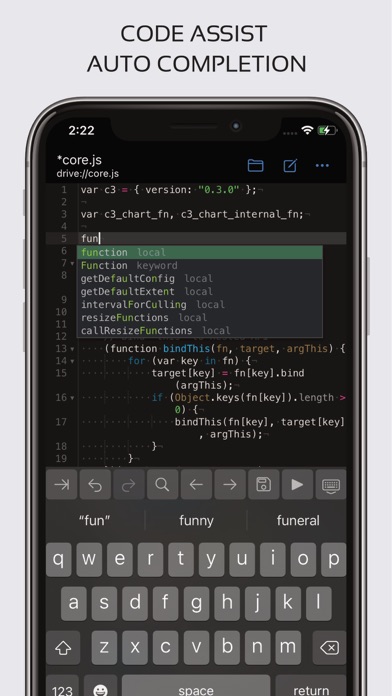
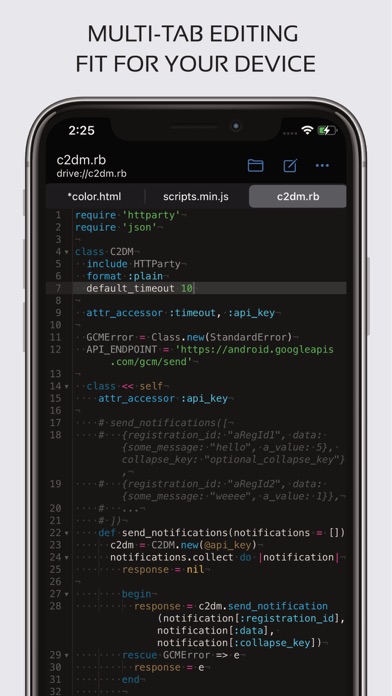
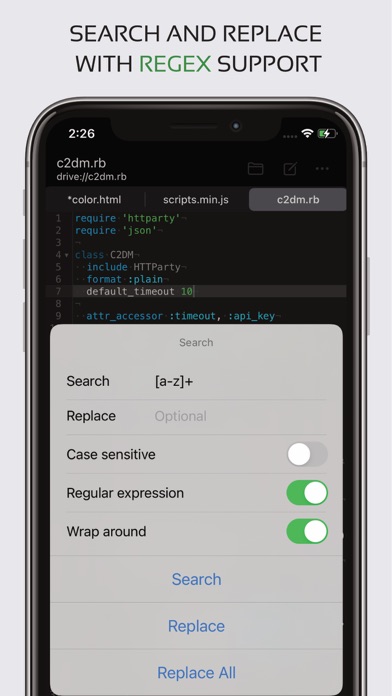
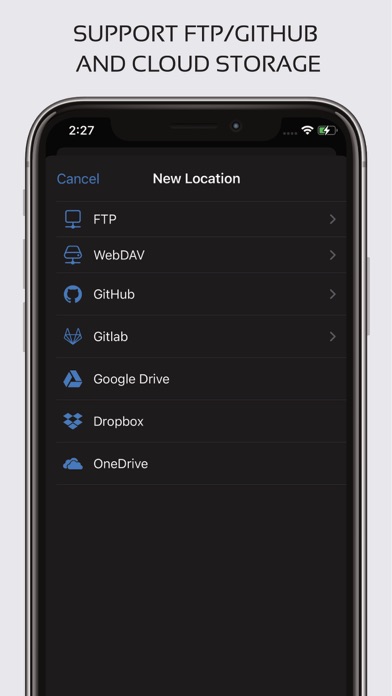
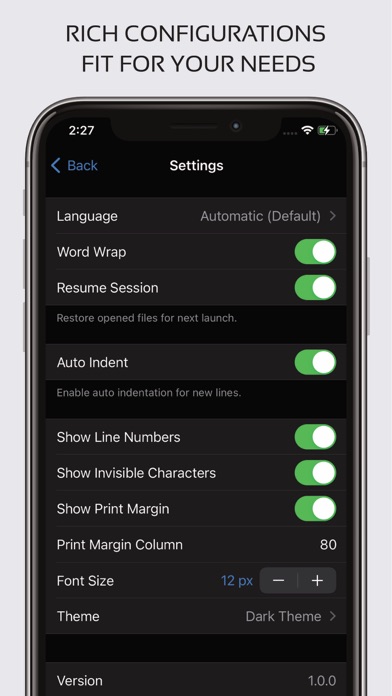
Code editor is optimized text editor focused on coding. It contains necessary features including syntax highlight, code assist, auto-complete, compile and execute, etc. Features: - Syntax highlighting for over 110 languages (C++, Java, JavaScript, HTML, Markdown, PHP, Perl, Python, Lua, Dart, etc). - Include online compiler, can compile and run over 30 common languages (Python, PHP, Java, JS/NodeJS, C/C++, Rust, Pascal, Haskell, Ruby, etc). - Code assist, folding and auto-completion. - Easily navigate between multiple tabs. - Undo and redo changes without limit. - Search and replace with regular expressions. - Show or hide line numbers. - Highlight matching parentheses. - Automatic indent and outdent. - Displays invisible characters. - Open files from recently opened file collections. - Preview HTML and Markdown files. - Includes Emmet support for web development. - Access files from FTP and WebDAV. - Evaluate JavaScript code with built-in JavaScript console. - Integrate and easy access to GitHub and GitLab. - Access files from Google Drive, Dropbox, and OneDrive. - Dark and light themes and over 30 syntax highlighting styles. If you run into any issues or have any suggestions, please feel free to contact us: support@rhmsoft.com
Screenshots