Flick Master - Japanese Kana
Amateral Inc.

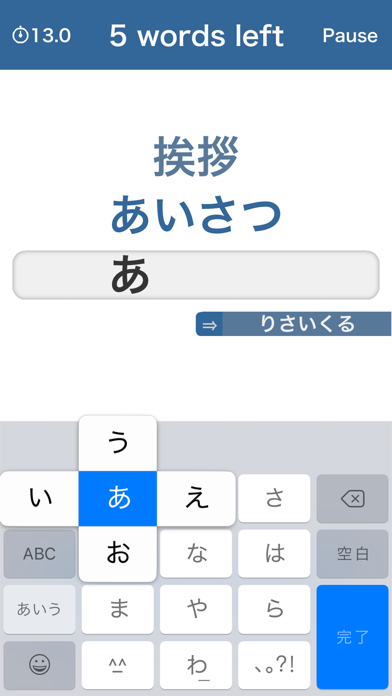
Flick Master is the app for Japanese typing practice with flick input. It's simple but useful for improving your Japanese Kana typing skills. * You can only use 'Japanese - Kana' keyboard for this app. How to use Japanese Kana keyboard - Open the Settings on your iOS device - Scroll down and tap General - Tap Keyboard - Tap Keyboards - Tap Add New Keyboard... - Add 'Japanese - Kana', then tap Done - Return to the previous screen and make sure that 'Flick Only' is ON
Developer website
http://amateral.comReleased
2021-07-21T07:00:00Z
Current version
1.0.0
Reviews & Ratings
4.6
out of 5
5
4
3
2
1
🙂 Mostly positive reviews
23 reviewsScreenshots