Timestamp Camera: Photo&Video
Mykola Fiantsev

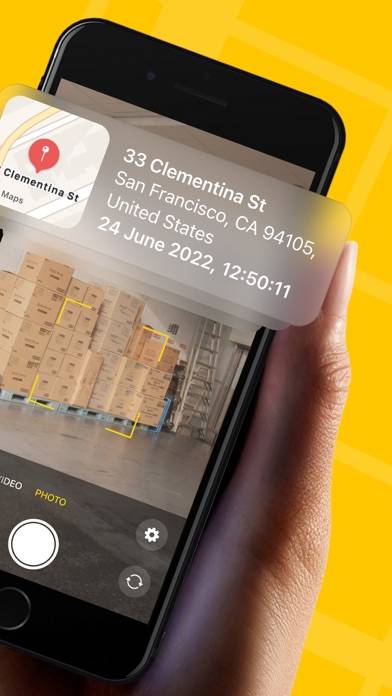
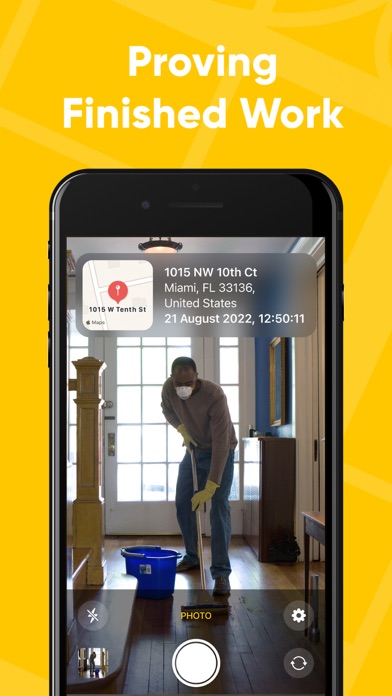
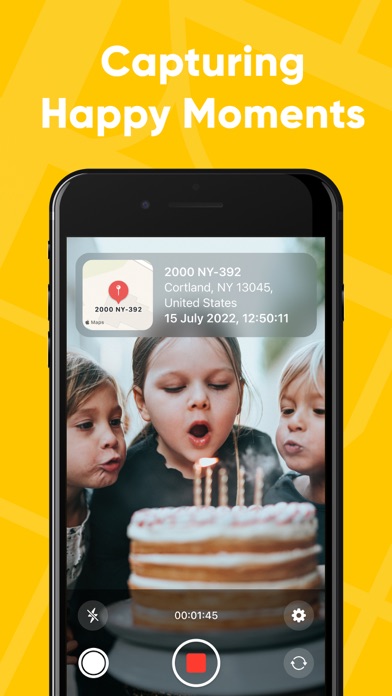
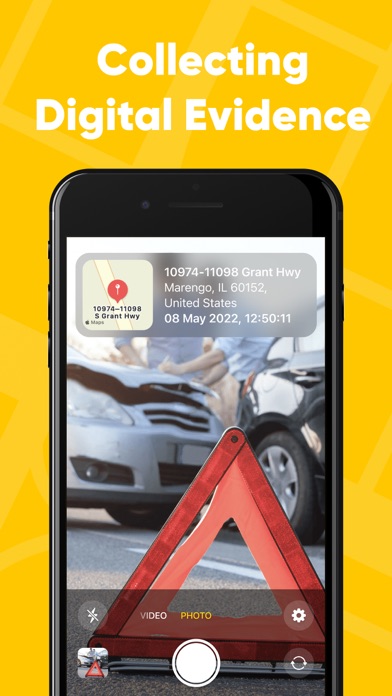
Capture, Stamp, Prove — Timestamp Camera: Photo&Video turns every photo and video into a clear, professional and trusted record of where and when it happened. Whether you’re documenting a job, a delivery, a rental walkthrough, a site visit, or a personal memory — PhotoStamper makes your content instantly more believable, shareable, and useful. WHY CHOOSE PHOTOSTAMPER? • Precision at Your Fingertips Get accurate location and time details that make your photos and videos self-explanatory—no guessing, no back-and-forth. • Amplify Your Brand Add professional branding - logo, company details, website, and more—turn every share into a polished business asset. • Proof of Location (Feels like magic) Add a secure proof to your photo, then validate it anytime in-app by selecting an image. See a Location Verified result with the address, coordinates, and timestamp—perfect when trust matters. Powered by our industry-first, integrated Proof of Location. • Capture in Your Style Shoot both photos and videos with a clean, modern camera experience built for speed and control. • Uncompromised Privacy Your content stays yours. Timestamp Camera: Photo&Video is designed to keep your data local and your workflow simple. • Simplicity Meets Elegance A sleek, intuitive interface that feels premium from the first launch. Download Timestamp Camera: Photo&Video and start creating photos people can trust. Terms of Use: https://telegra.ph/Timestamp-Camera--Terms-of-Use-06-30 Privacy Policy: https://telegra.ph/Timestamp-Camera--Privacy-Policy-06-30
Screenshots