Sony Bravia Remote TV Control
Ahmad Ahmadi

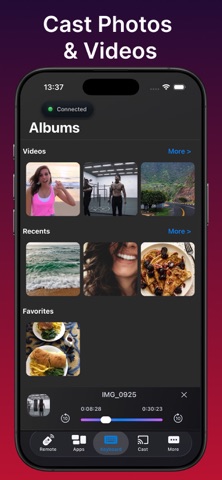
Disclaimer: This app is not affiliated with any TV company nor this is an official TV Remote from any company. To use the remote control, you must connect with your mobile to the same Wi-Fi network as your TV is connected to. and then you must accept the message that appears on your TV. Bear in mind that App works with Wi-Fi (even without internet) so you are not obliged to be close to the TV so make sure that your iPhone and the TV are connected to the same wifi network. Features: • Turn ON and turn OFF your smart TV • Change channels • Cast your photos and videos from your iPhone • Easily control the media with associated keys on the app • Quickly lunch Netflix, Youtube and other apps • Stream videos and photos to TV from your iPhone without limitation • Type easily whatever you want into TV search bar and TV internet browser using your phone keyboard Terms of Use: https://ohmycanary.com/terms/
Screenshots