Samsung Smart Switch Mobile
Samsung Electronics Co., Ltd.

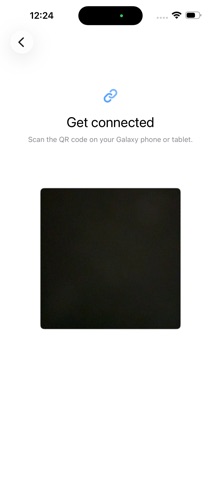
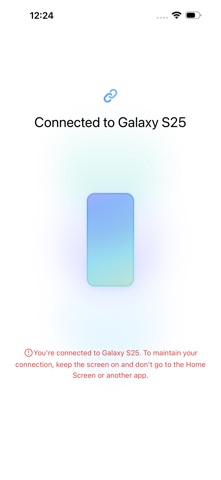
▣ How to easily transmit content from iPhone to Galaxy. Smart Switch can move contacts, calendar events, reminders, photos, and videos to Galaxy devices. * Note: After the data transfer is completed, the data of the sender device is maintained. (Not deleted). ▣ How can I send it? - Search and run Smart Switch in the settings of Galaxy device. - Search and download “Samsung Smart Switch” from App Store and connect and send it according to the guide. ▣ What can I send? - Contacts, calendar events, reminders, photos, videos * You can use the USB connector to send more items when connecting.
Developer website
https://www.samsung.com/sec/apps/smart-switchReleased
2021-06-10T07:00:00Z
Current version
1.0.17
Screenshots