TV Cast for Chromecast ·
Silver Elm Systems LLC

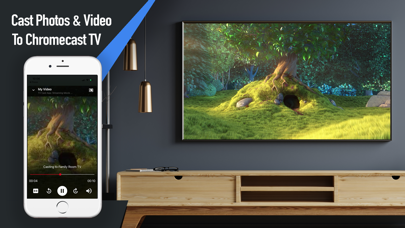
The TV Cast App is the fast and easy way to cast your photos, videos, music and more to your Chromecast enabled TV. All your need to do to get started is ensure your phone and Chromecast are on the same wifi network, click the 'Cast to TV' button and once the casting symbol shows up, you can start displaying your photos, videos & more to the TV. Features Include: • Cast photo slideshows to your Chromecast TV • Display custom text & emoji messages on the TV • Play videos from your photo stream to the TV • Play music from your music library to the TV • Cast movie files from the Files app to the TV • Works seamlessly with your Chromecast enabled TV Download the app and start casting today! Privacy Policy: https://silverelmsys.com/tvcast/privacy_policy.html Terms of Use: https://silverelmsys.com/tvcast/terms_of_use.html
Screenshots