eltepi – AI Vocabulary Builder
Level 28 UG (haftungsbeschränkt)

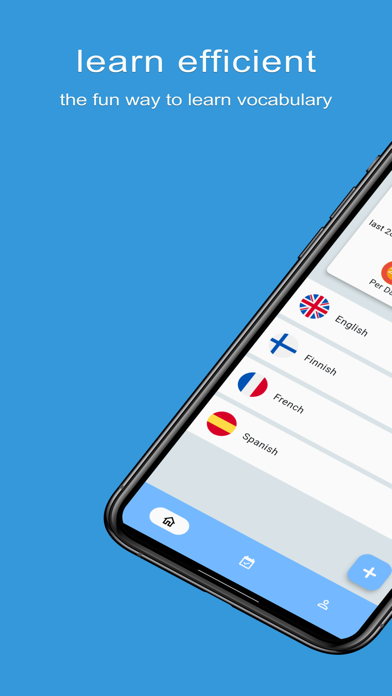
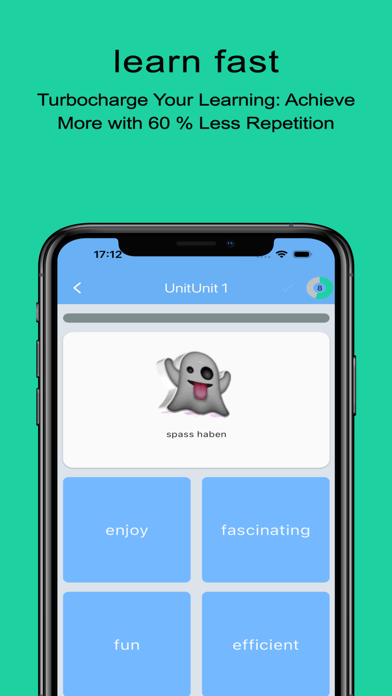
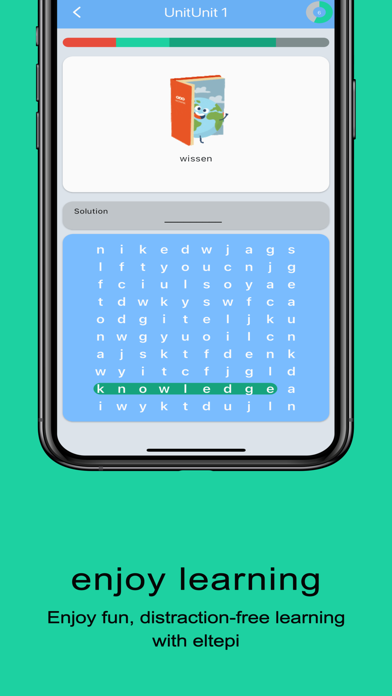
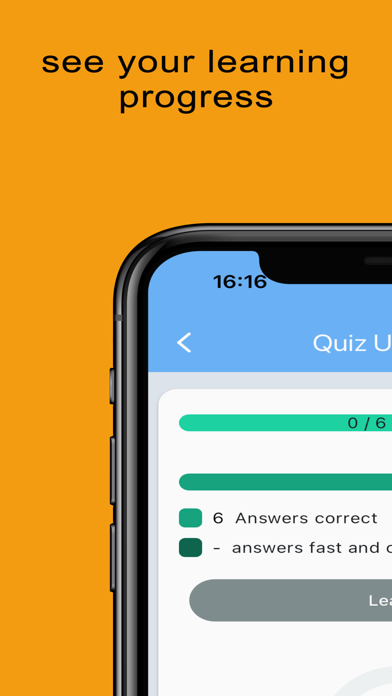
Discover a smarter, faster way to master vocabulary with eltepi’s brand-new AI enhancements. Our Intelligent Content feature turbocharges flashcard creation so you spend less time typing and more time learning. AI-Powered Content Creation • AI-driven vocabulary suggestions predict your next words, cutting your setup time in half. • The engine adapts to your learning style—the more you use it, the smarter and more personalized it will become. • Jump straight into learning without the busywork of crafting each card by hand. Key Features • Personalized flashcards built around your current level and goals • Spaced-repetition algorithm for efficient long-term retention • Engaging mini-games and quizzes to reinforce new words Offline mode to learn anytime, anywhere • Clean, ad-free interface to keep you focused Why eltepi Stands Out • Accelerated content creation lets you expand your word bank in seconds • Deep insights into your progress with data-driven reports • Support for multiple languages (English, French, Spanish, Latin, and more.. ) Free basic version with no hidden fees or disruptive ads Your Privacy, Our Priority We never share your personal data. Anonymous usage stats help us improve the AI engine, but you’re always in control—opt in or out at any time via the settings menu. For details, see our Privacy Policy and Terms of Use. Ready to experience next-level vocabulary learning? Download eltepi now and let our AI do the heavy lifting—so you can build your word arsenal faster than ever!
Screenshots