Collage Photo Frame Maker
Daisuke Suzuki

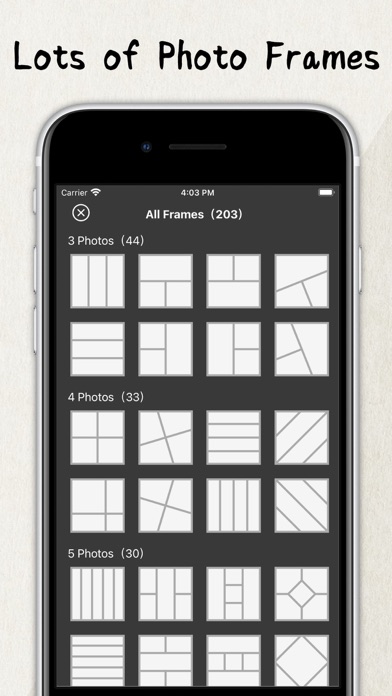
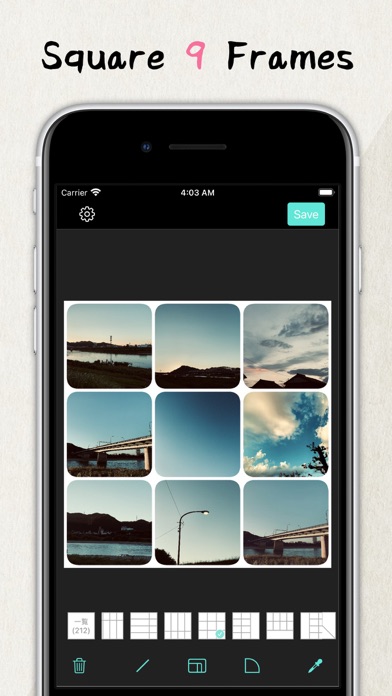
Collage multiple photos into one frame. feature: - Resize the frame - Set the rounded corners of the frame - Change resolution - Change the color of the frame - Image rotation function * Premium Plan Payment will be charged to your iTunes account. Subscriptions will automatically renew unless auto-renew is turned off at least 24 hours before the end of the current period. You can manage or turn off auto-renewal in your Apple ID account settings any time after purchase. * How to manage a subscription on your device 1. Open the Settings app. 2. Tap your name. 3. Tap Subscriptions. 4. Tap the subscription you want to manage. * Terms of Use | Privacy Policy https://systems0.com/app/tos.html
Developer website
https://systems0.com/app/photoframe.htmlReleased
2022-01-03T08:00:00Z
Current version
1.2.2
Screenshots