Video Compress - ShrinkVid
PhotoJoiner

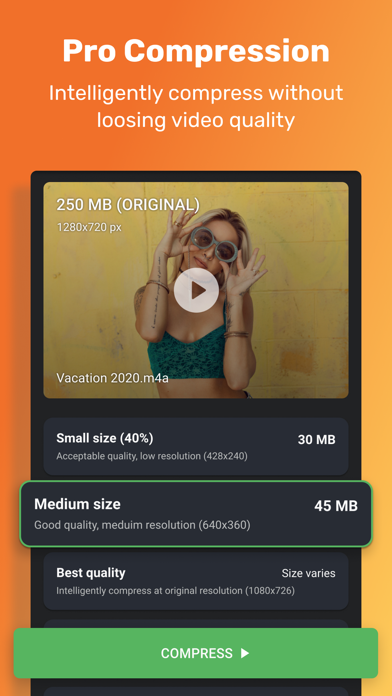
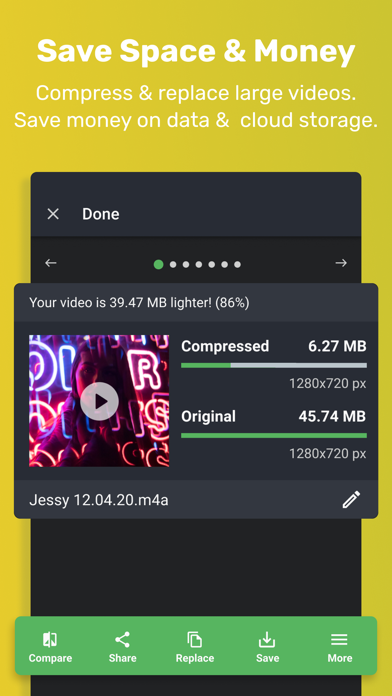
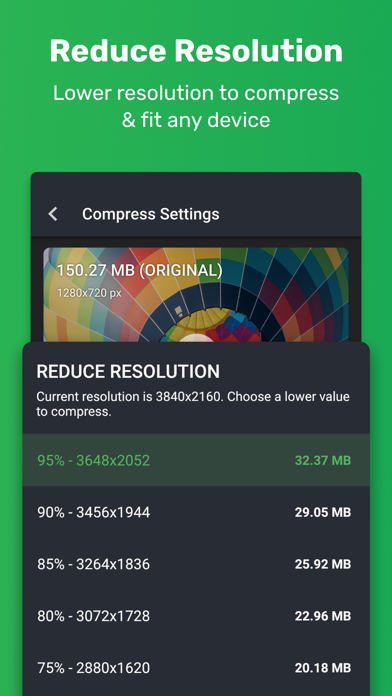
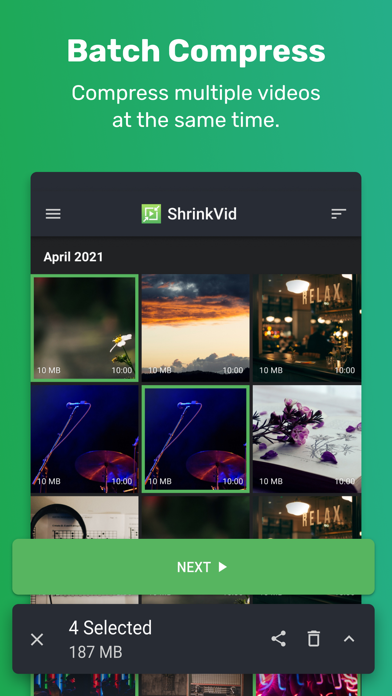
Video Compress Features - Compress videos by up to 90% without losing quality. - Replace original video after compression to free up device storage. - Supports all video formats (MOV, MP4, FLV, MKV, AVI, 3GP...etc.) - Compress video to a custom size or fit to Gmail, WhatsApp, Viber, iCloud, Discord, WeChat...etc. - Compress multiple videos as a time with the Batch video compress feature. - Super easy & fast - Optionally resize video (scale down) to further compress video - Compare before and after quality. Easily share large videos - Video too big for email? Compress video for email with our video compress presets (Gmail, Hotmail, Outlook...etc) - Compress video to fit WhatApp, iCloud, email, or TEXT - Easily share compressed videos on Instagram, Facebook, YouTube, Viber, Discord, telegram...etc. Subscription Information: - ShrinkVid premium subscription removes ADs and unlocks advanced video compression options. - Premium subscriptions are billed monthly and annually. You can also purchase a lifetime premium subscription (one-time payment) - Subscription will be charged to your iTunes after confirmation. - Subscription automatically renews unless canceled at least 24 hours before the renewal date. - Account will be charged for renewal within 24 hours before the end of the current period, and identify the cost of the renewal. - Users can manage Subscriptions And turn off auto-renewal by going to the user's Account Settings after purchase. - Terms of Use https://www.freeconvert.com/app/shrinkvid/shrinkvid_tos.html - Privacy Policy https://www.freeconvert.com/app/shrinkvid/shrinkvid_privacy.html - E-mail apps@trmedia.ca
Screenshots