App ~ Scanner
Livintis W.L.L.

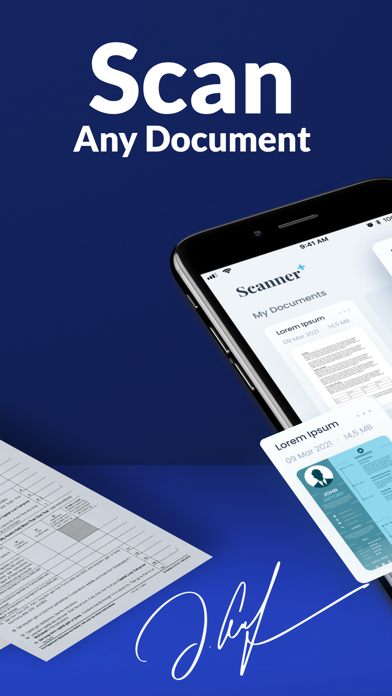
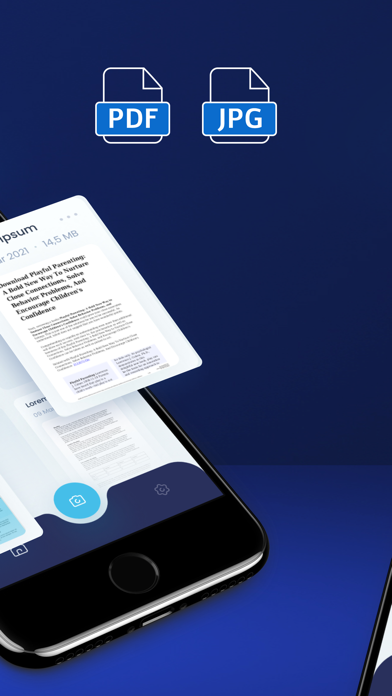
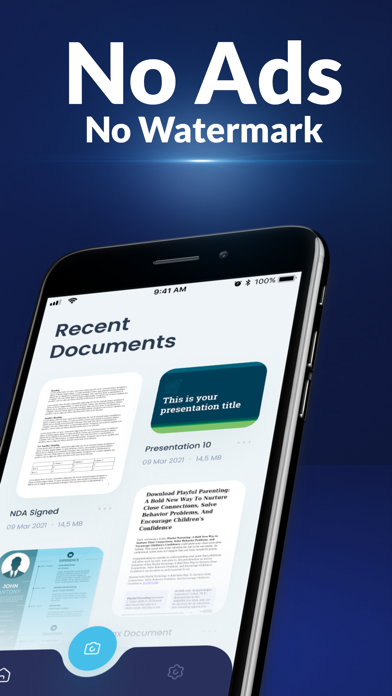
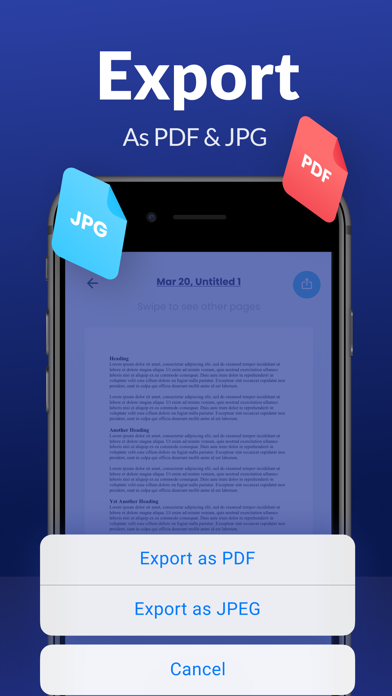
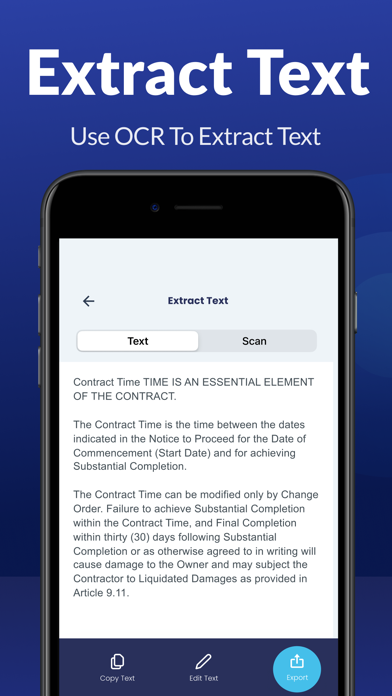
Are you looking for the best scanner app with No Watermarks and No Ads? Download this easy to use Scanner ++ app. Increase your productivity at work, school or daily life. Turn your device into a powerful Scanner for students or anyone involved in a business. Just aim the camera at the page to be scanned and in 1 tap you will have an amazing, crisp and clear scan. B&W or Color? It’s your choice. Export as PDF or JPEG to anywhere you want! Sign Documents and extract text. Say goodbye to heavy paper documents and get a professional portable PDF scanner now! APP FEATURES: • No watermarks, no ads • Sign Documents • Extract Text • Apply realistic scan filters: B&W, Greyscale, Color • Export as a high-quality PDF or JPEG • Auto Border detection and cropping to save time • Multi-page document scanning • Edit to perfection with fine adjustments • Reorder Pages & Modify Documents • Save and store documents for future use • Clean & easy to use design SCANNER ++ ANYWHERE With our quick pdf scanner, you save time and effort by scanning documents such as: • Business Documents: contracts, agreements, invoices, etc. • Receipts, handwritten notes, books, articles • Certificates, Passports, Identity Docs, Driving Licenses • All document types you need EASY DOCUMENTS SHARE: • As PDF or JPEG • Share via Email, Files, Dropbox, Google Drive and other cloud services • Save to camera roll ------ We are the best scanner app with no ads, so DOWNLOAD NOW! Terms of Use: www.livintis.com/scanner-terms Privacy Policy: www.livintis.com/scanner-privacy-policy For any questions about our mobile PDF scanner, feel free to contact us at www.livintis.com/contact
Screenshots