Virtual Thermal Printer
Pascal Kimmel

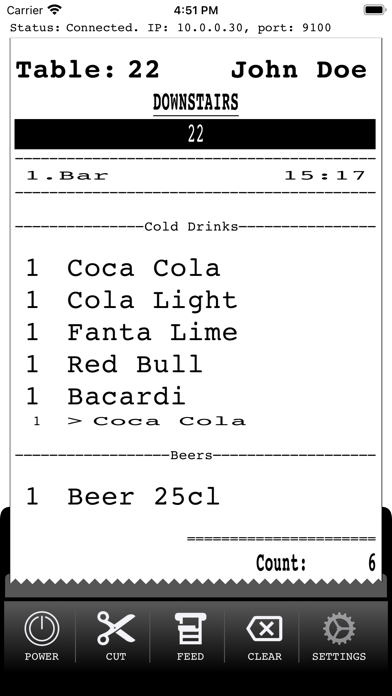
Print receipts from POS applications that support ESC/POS printing over IP. Just power on the printer and configure the IP-address and port displayed in your POS application. List of supported commands: - ESC @: Initialize printer - LF: Print and line feed - GS !: Double-width and double-height - ESC E: Turn emphasized mode on/off - ESC -: Turn underline mode on/off - ESC a: Align text (left, right and center) - ESC i and ESC m: Partial cut - GS B: Turn white/black reverse print mode on/off - GS V: Cut paper ( - GS k: Print barcode (EAN8, EAN13, Code39) - GS ( k: Print QR Code. Functions 169 & 180 - DLE EOT: Printer status (1..4) - GS v 0: Print raster bit image For more details on ESC/POS commands see https://reference.epson-biz.com/modules/ref_escpos/index.php?content_id=2 The following code-pages are supported: - CP437: US ASCII - CP850: Latin I - CP852: Latin II - CP858: Latin I + Euro - CP860: Portugese - CP863: Canadian-French - CP865: Nordic - CP866: Russian Note: The content printed in the above screenshots is for illustrative purposes only. Depending on the POS system used, the output may vary. Please make sure your POS application supports ESC/POS commands before installing this application.
Screenshots