PDF Edit - create, stamp, sign
Yaroslav Ermolaev

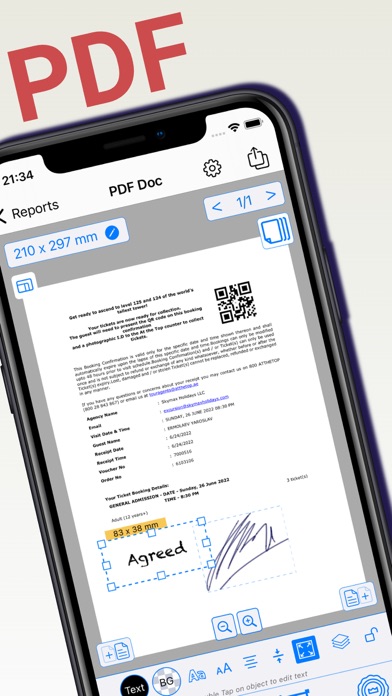
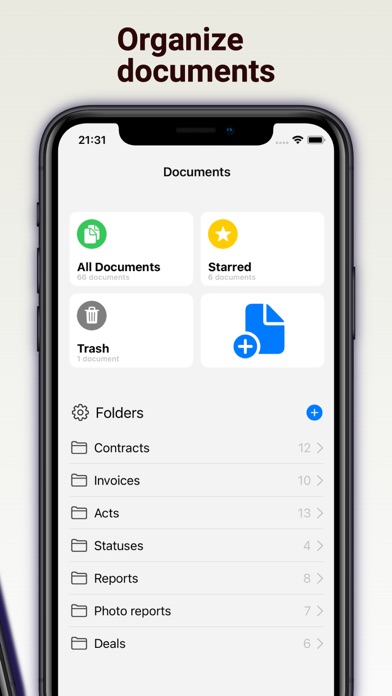
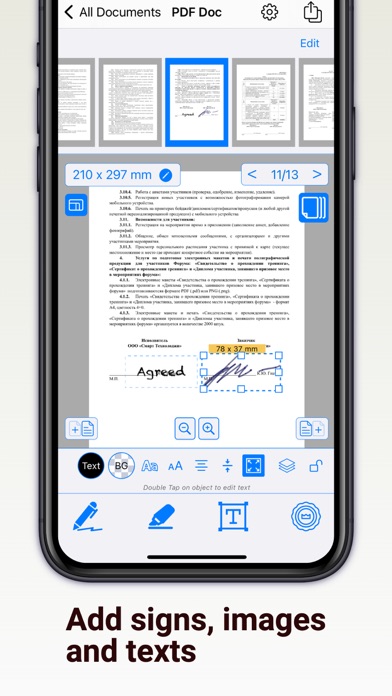
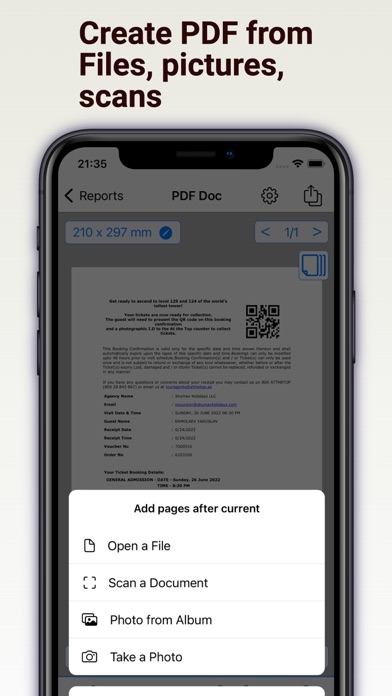
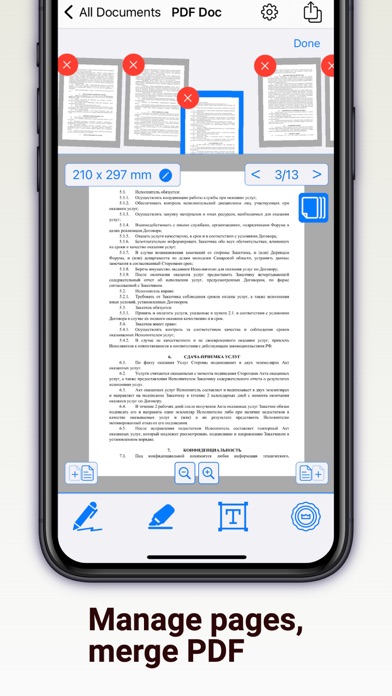
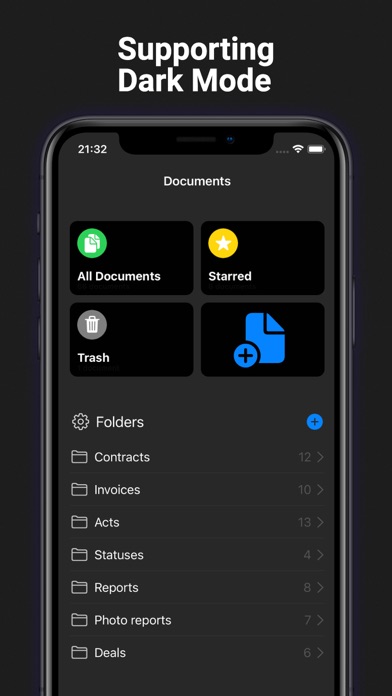
Features: + Open and edit multi-page PDF files by adding signatures, stamps, or images + Receive PDF files or images from other apps (from email or messenger) + Merge multiple PDF documents into one + Scan documents using your phone + Create PDF documents from photos + Create new pages of a specified size in a PDF document + Set the background color of PDF document pages + Insert pages into a PDF document from photos + Delete pages or change their order + Create folders for PDF documents + Create folders for images (which can be inserted into PDF documents) + Add documents and images to Favorites + Print documents directly (via AirPrint) You can add to PDF document: + Graphic signature or some drownings + Stamp or any image (the app will help you remove the background) + Text Attention! You cannot edit the text of the PDF file in the application, but you can add your own elements. If you signed up for a free trial subscription and you don't want to renew it, cancel it at least 24 hours before the trial ends. Read our Terms of Use here: https://regpart.ru/pdfedit_terms.html
Screenshots