Video Saver & Player / iCap
Koichiro Umemiya

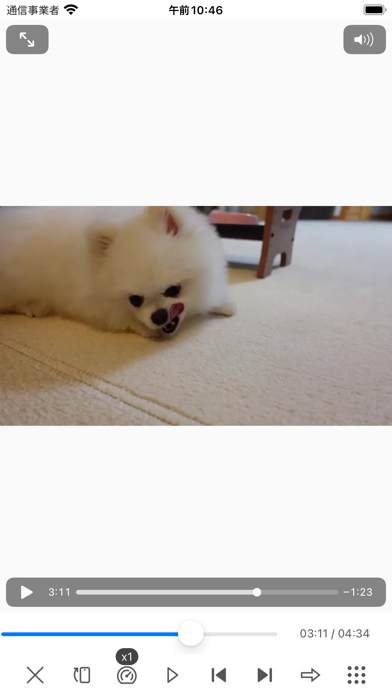
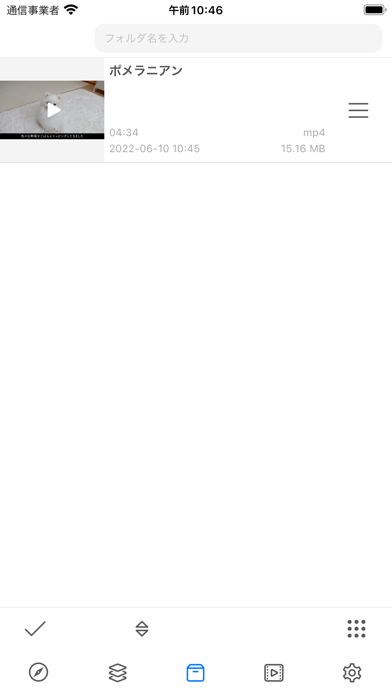
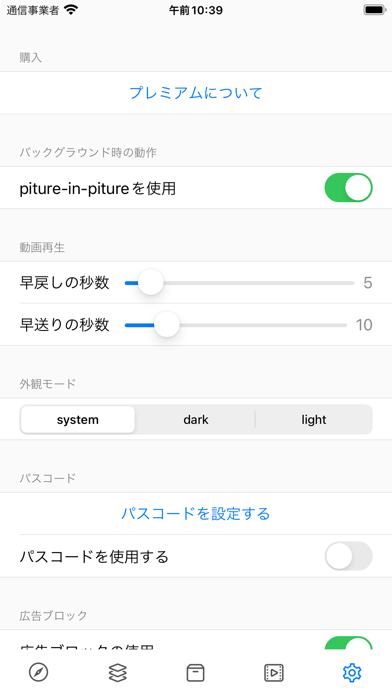
Here is the translation of the provided text into English: - You can save videos from the Files app or camera roll, and once saved, they can be played offline. - There are various playback options available, such as repeating a single video, repeating multiple videos, or stopping at the end of the video. - It is also possible to copy to the camera roll. - Supports picture in picture playback. - Videos are saved within the app and can be viewed and copied in the Files app. - Video management is organized by folders. - Background playback is possible. - Passcode setting is available. - The in-app browser has an ad blocker. - Playback speed can be changed, such as double speed or half speed. - Screen angle can be switched 90 degrees with the press of a button. - Browsing websites is possible in both mobile and PC modes. - Processes such as saving, converting, and playing are done in parallel, so there is no waiting stress. - You can quickly move to the source page from the saved video. - When playing a video in the in-app browser, the video plays in a small window, allowing you to browse pages while watching the video. - Dark mode supported. Terms of Use: https://www.apple.com/legal/internet-services/itunes/dev/stdeula/
Screenshots