FunSchulte: Schulte Table
华芳 张

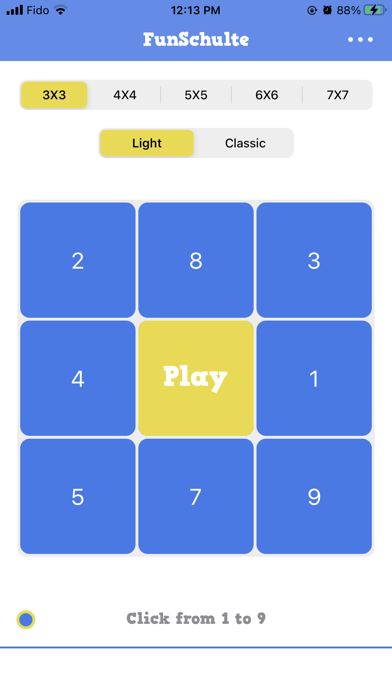
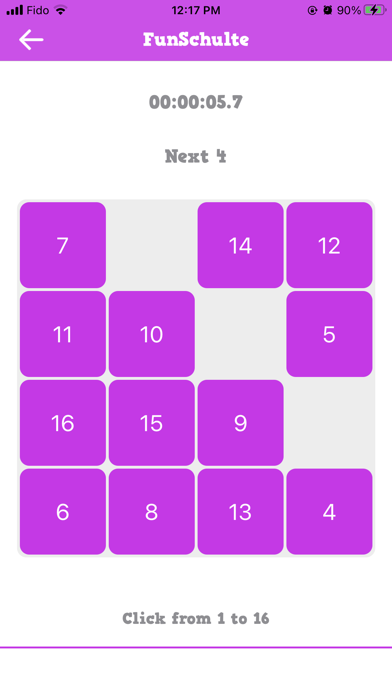
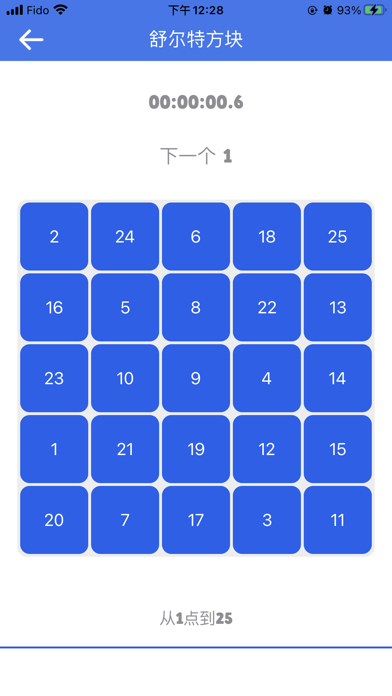
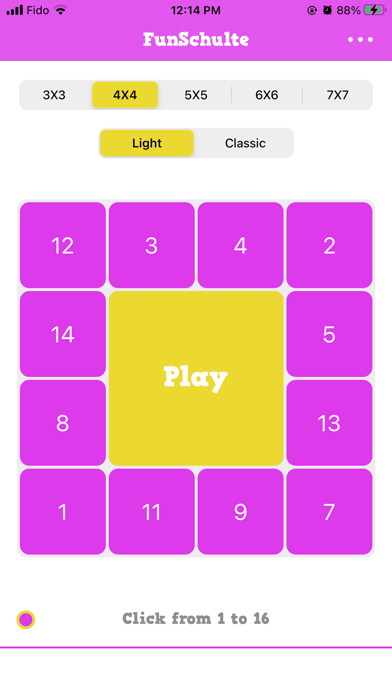
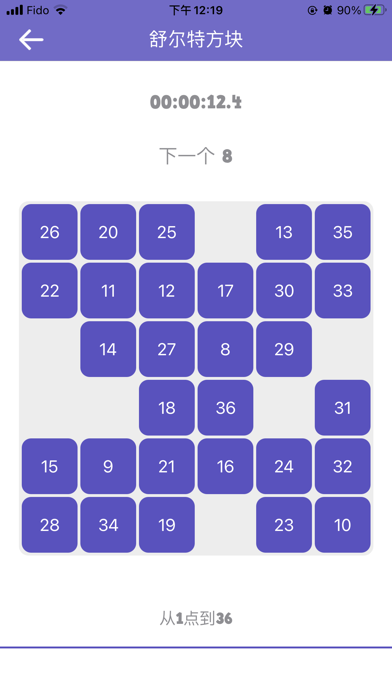
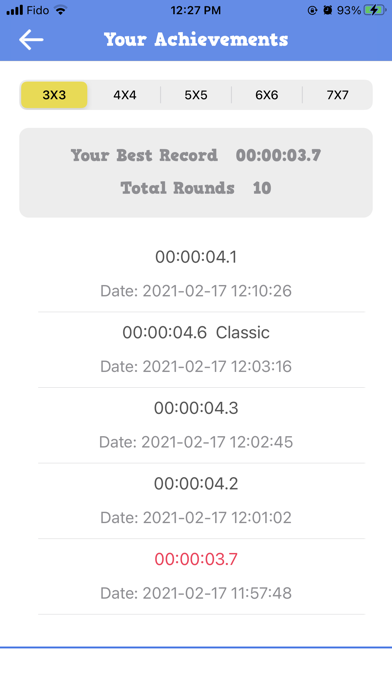
TRAIN YOUR FOCUS, ONE NUMBER AT A TIME Looking for a simple and engaging way to challenge your attention? FunSchulte brings the classic Schulte Table exercise to your iPhone and iPad. Find numbers in order, complete the grid as quickly as you can, and see how your time compares with your previous attempts. Whether you have a few minutes between tasks or want a quick visual search challenge, FunSchulte makes it easy to start practicing. HOW TO PLAY A Schulte Table is a grid filled with randomly arranged numbers. Find and tap the numbers in ascending order, starting from 1. Complete the entire grid as quickly and accurately as you can. Start with a smaller grid, then explore larger tables as you become more comfortable with the challenge. KEY FEATURES ◉ MULTIPLE GRID SIZES Choose from 3×3, 4×4, 5×5, 6×6, and 7×7 grids. Start with a quick challenge or try a larger table that requires more visual searching. ◉ TWO PLAY MODES Switch between Light and Classic modes for different Schulte Table experiences. ◉ TRACK YOUR RESULTS Record your completion time for each round, review your previous results, and compare your personal bests. ◉ GAME CENTER LEADERBOARDS Compare your completion times with other players through Game Center leaderboards. ◉ CUSTOMIZE YOUR TABLE Adjust the table appearance to create a playing experience that suits your preferences. ◉ A SIMPLE DAILY CHALLENGE FunSchulte offers a straightforward way to practice visual scanning, attention, and number recognition through short, repeatable challenges. Play at your own pace, challenge your previous best time, or explore a different grid size whenever you want something new. Download FunSchulte and see how quickly you can complete your next Schulte Table!
Screenshots