Photo Complications
Atlum Limited

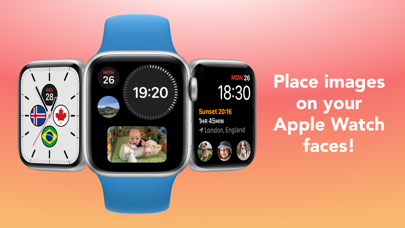
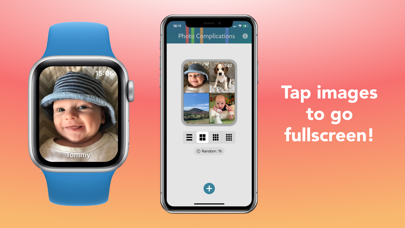
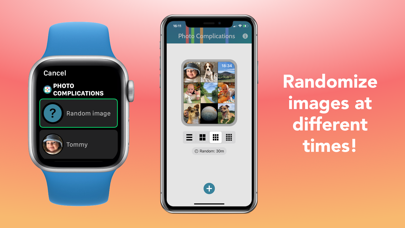
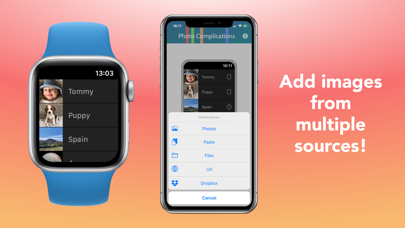
Add images to your watch faces, tap them to go fullscreen! • Add images from your Photos library, iCloud, other apps, the clipboard, or a url • Tap them to go fullscreen, with an optional title • Randomize images, from every 15 minutes to once a day • Adjust image positions and zoom in, for complications and when fullscreen • Swipe between images • Paste in images from the clipboard • JPEG, PNG, HEIF, JPG, BMP, and GIF (non-animated) image types supported For non-multicolor complications, on older watch faces, you can display the app icon to jump straight to an image.
Developer website
https://apps.apple.com/us/developer/atlum-limited/id1508897591?uo=4Released
2021-05-25T07:00:00Z
Current version
4.1.0
Reviews & Ratings
4.2
out of 5
5
4
3
2
1
⚠️ Users report mixed experiences
54 reviewsScreenshots