Find Device - bluetooth finder
LANARS LLC

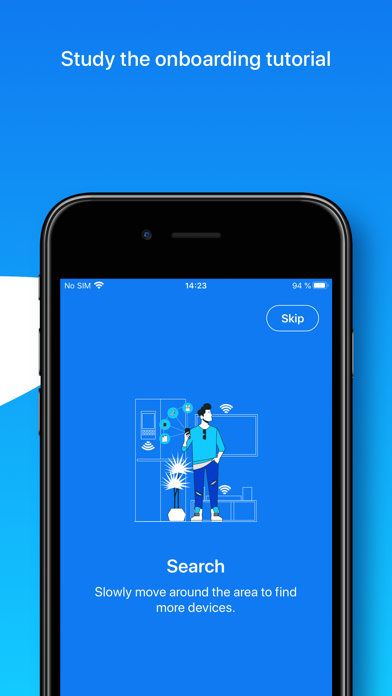
Lost an earbud in the sofa? Can't find your watch or stylus? Find Device turns your iPhone into a Bluetooth radar and walks you straight to it. WHY FIND DEVICE • Live Radar — see every nearby Bluetooth device in real time • Distance meter — clear signal and distance for each device • Search and sort — find your device by name in seconds • Unnamed devices — spot devices that don't broadcast a name • One-time purchase — no weekly subscriptions, no hidden charges • Private by design — no account, no data collected • Works on iPhone, iPad, Mac and Apple Vision Pro • Light and dark mode, 33 languages WORKS WITH - Apple devices such as AirPods (on iPhone/iPad), Apple Pencils (only on iPad), Apple Watches, iPods, iPads, MacBooks. - Bluetooth Headphones, Speakers, Earbuds such as JBL, Beats, etc. - Fitness Trackers as Mi Band, Xiaomi, etc. - Smartphones, Tablets, Smart Watches, and Smart Bands such as Microsoft Band, Samsung Gear, etc. - All other Bluetooth BLE (Bluetooth Low Energy) devices. HOW IT WORKS 1. Open the app — it scans for nearby Bluetooth devices instantly. 2. Pick your device from the list. 3. Walk around and watch the live Radar: the closer you get, the stronger the signal. 4. Found it. TIPS AND QUESTIONS: - Why can't I see my device on the list? Sometimes not all devices are visible in the app, because they are turned off, too far away, or just not sending Bluetooth signal. - Why are the distance numbers unstable? The displayed distance is not stable because of the connection type and possible obstacles between you and your founded device. - Why do I see Unknown devices? Some devices don’t transmit data, such as name or manufactured name, however, you’ll be able to see the distance to it. - How to find a single AirPod? If you are looking for a single AirPod – put the other one in the AirPod case and close it. Then wait 5-7 seconds and continue. If you are looking for both AirPods – ignore this advice. - How to find the AirPod case? The AirPods case itself doesn’t send a signal. - Can I find AirPods if they are in a closed AirPod case? No, since AirPods in a closed case do not transmit a signal. - How to find an Apple Pencil? First try our app on iPad, to which Apple pencil was connected. But we could find Apple Pencil on both iPhone and MacBook. - Are you sure your app works? Definitely yes. Our team tested it and hid the devices all over our big office. All the devices were found. The search time was approximately 3-10 minutes. Questions or ideas? Contact us at hello@lanars.com — we read every message.
Screenshots