ScanBox – PDF Scanner & OCR
Christian Drapatz

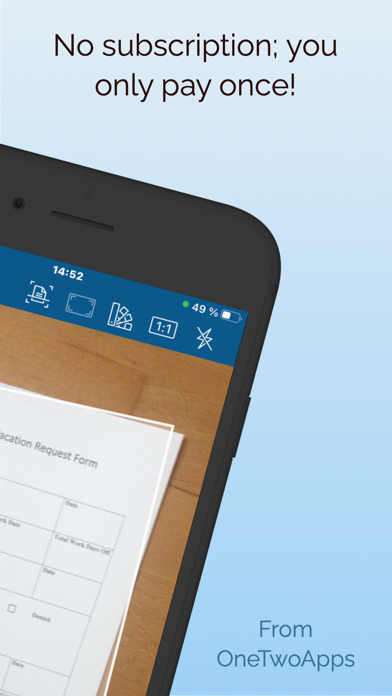
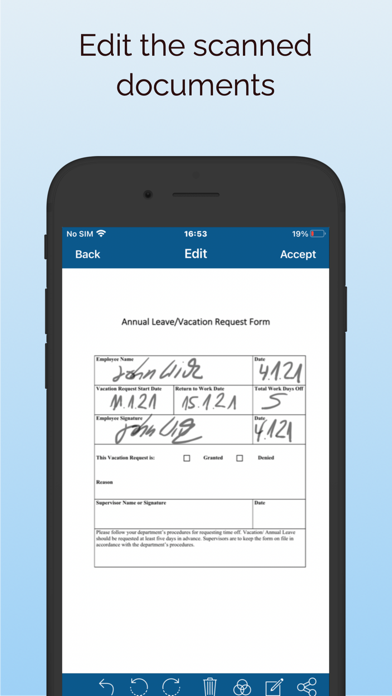
ScanBox – Your smart PDF scanner without subscriptions Turn your iPhone or iPad into a powerful document scanner in seconds. Scan, sign, edit and share – all in one app. Key Features • Fast & accurate scans – automatic edge detection, smart perspective correction • PDF & OCR – extract text from images, search and process documents • Fill & sign forms – sign contracts or applications directly on your device • One-time purchase – no expensive subscriptions • Share & print – via Email, AirDrop, Messenger or AirPrint • Apple Pencil support – perfect for iPad users • QR & barcode scanner – launch instantly from widgets • We support over 32 languages How it works 1. Scan a document with the camera or import from Photos/Cloud 2. Use automatic image optimization or manual editing tools 3. Recognize text via OCR, add comments or sign digitally 4. Save as PDF or image, share or print instantly Why ScanBox? • No costly subscriptions like other scanner apps • Fast workflow – perfect for office, school, and daily life • iOS integration: Dark Mode, Face/Touch ID, Quick Actions, Widgets • Works offline – your data stays private & secure Extra Highlights • Create multi-page PDFs & rearrange pages with drag & drop • Filters: color, grayscale, black & white – auto-optimized • Insert blank pages & fill with Pencil or finger • PDF encryption for sensitive documents Always up to date ScanBox is regularly updated with new features and performance improvements. Your feedback matters! Contact us at support@onetwoapps.com – we’d love to hear your ideas. Download ScanBox today and turn your iPhone or iPad into the ultimate PDF scanner!
Screenshots