Book Reader: eBook Library
Wesco Labs Limited

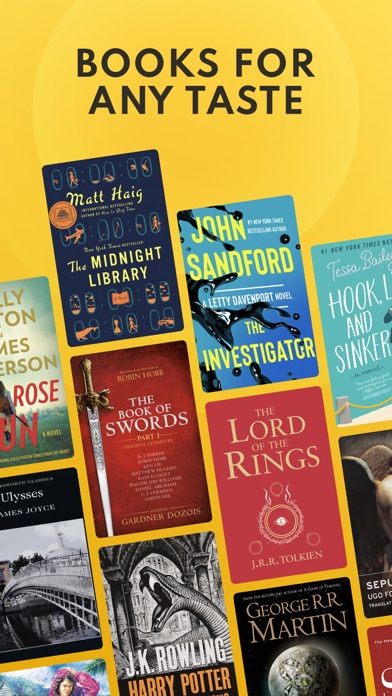
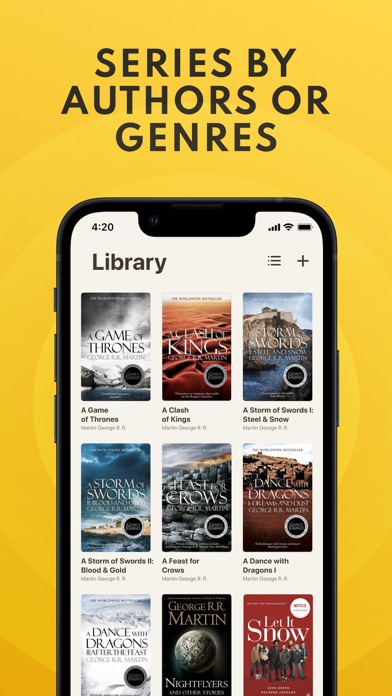
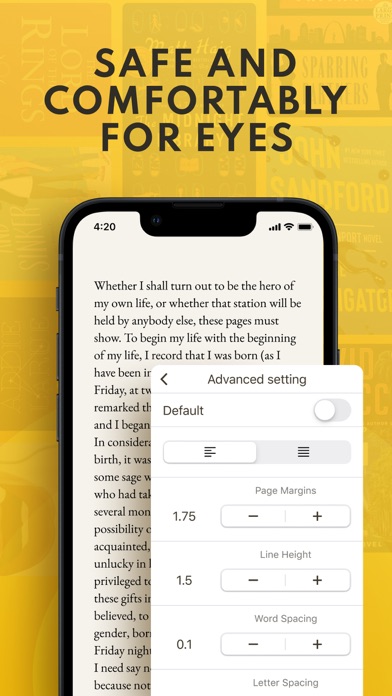
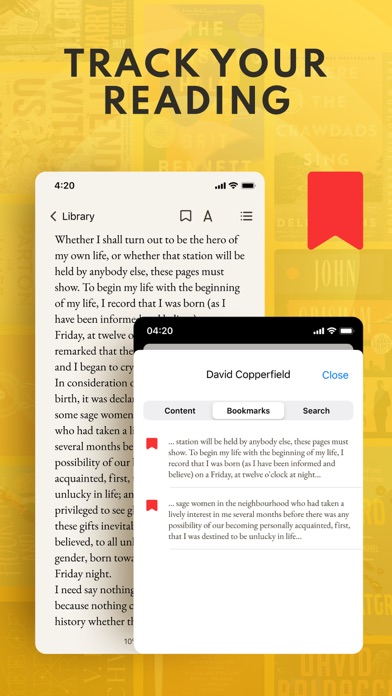
Reading is easy - even just 5 minutes a day already makes a huge difference. “The more that you read, the more things you will know. The more that you learn, the more places you'll go.” Use the “Book Reader” and you can always find the book you want to read. Once you open Book Reader and instantly fall in love with its modern and clean design, you will then be delighted but the useful features it offers: - Change the brightness, font and font size to see the text better; - Change the background color to avoid straining your eyes; - Add books from your phone or from URL; - Enjoy personal statistics that show how many books and pages you read; - Add bookmarks to remember where you left off; - Use the search function to find everything you need; Widen your horizon and be safe with "Book Reader"! Terms of Service - https://read-control.com/terms.html Privacy Policy - https://read-control.com/privacy.html
Screenshots