Planto: Plant Identifier
Appagon

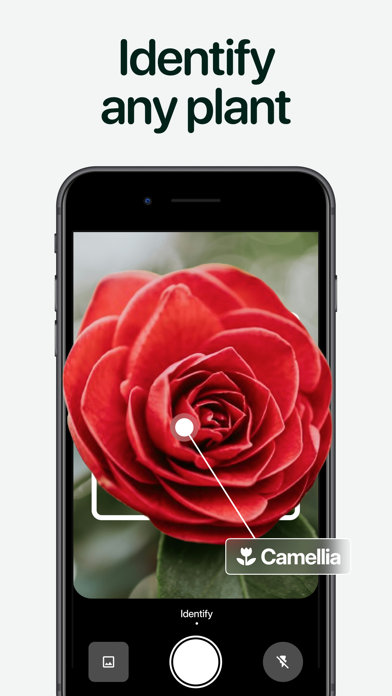
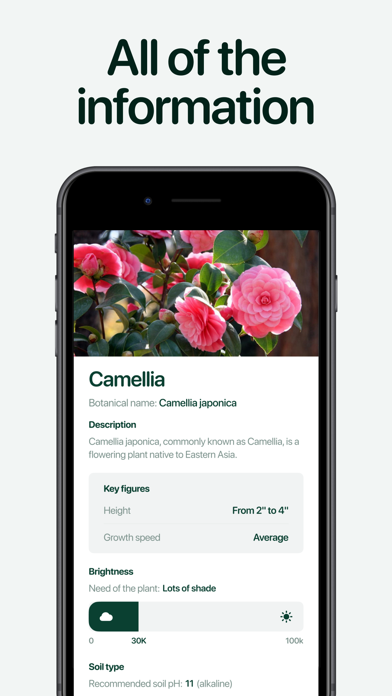
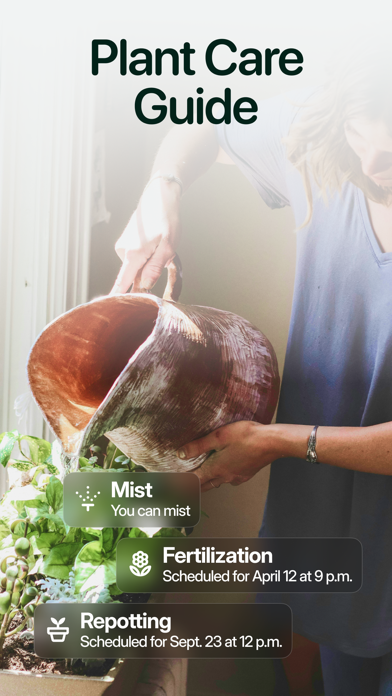
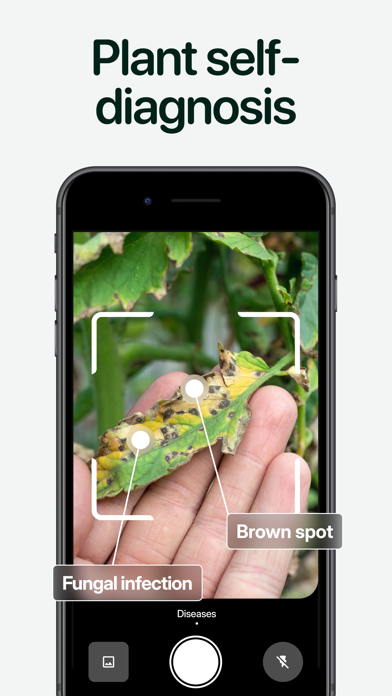
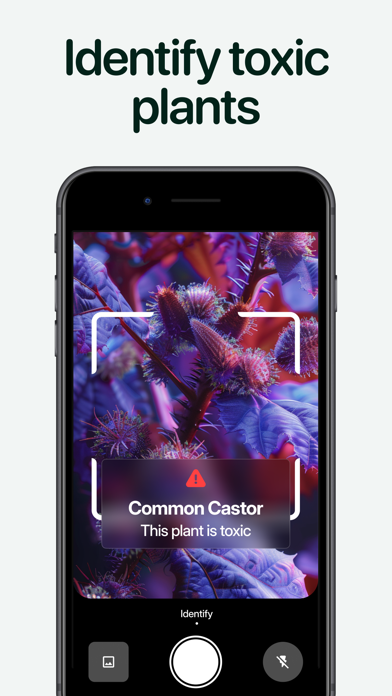
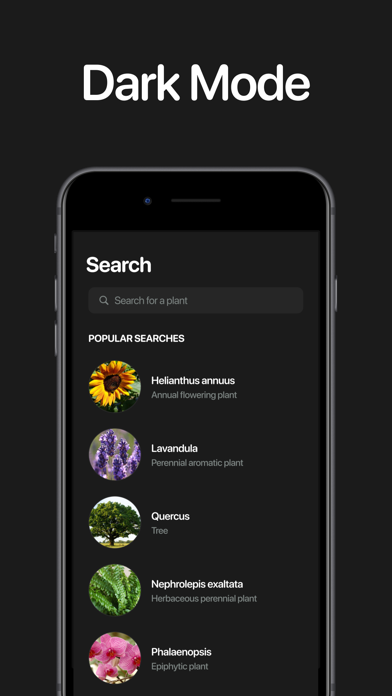
Planto - Scan, organize, and take care of your plants with ease. Whether you're in your garden, in the forest, at home, or on the other side of the world, Planto is the must-have app for identifying plants, flowers, trees, and mushrooms with a simple scan. Discover detailed information, diagnose plant diseases, and organize your own digital garden. Main features: - INSTANTLY SCAN: Quickly identify all plants and mushrooms using your camera. - DIAGNOSE DISEASES: Detect health problems in your plants and get advice on how to treat them. - ORGANIZE YOUR GARDEN: Create your own "My Garden" space to group and manage your favorite plants. - SCHEDULE MAINTENANCE: Set reminders to water, fertilize, or care for your plants without ever forgetting. - EASILY SEARCH: Access a database of over 15,000 plants and mushrooms to expand your knowledge. User reviews: - "An indispensable app for all plant lovers!" - "Simple, effective, and perfect for maintaining my garden even without a green thumb." - "Planto helped me save several of my plants thanks to the disease diagnosis feature. A real must-have!" Planto is the ideal companion for anyone who wants to better understand, organize, and take care of their plant environment. Download the app and let nature inspire you. Subscriptions: - You can subscribe for this app to get access premium features - Subscription options are: 1-month with 3-days trial, 1-year - Privacy : https://www.iubenda.com/privacy-policy/73478033 - Terms of Use : https://www.iubenda.com/terms-and-conditions/73478033
Screenshots