QField for QGIS
OPENGIS.ch

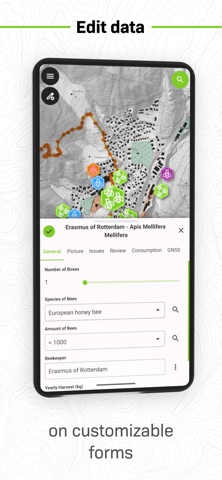
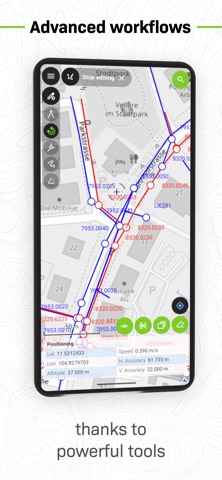
QField focuses on efficiently getting GIS fieldwork done and exchanging data between the field and the office in a comfortable and user-friendly way. QField has won the prestigious Best of Swiss Apps Award 2022 in the enterprise category and thanks to its native integration with QFieldCloud, your fieldwork will be as efficient as possible. Built on top of the popular QGIS open-source project, QField lets users consume fully configured projects in the field, allowing for customized feature forms, map themes, print layouts, and more, bringing the power of QGIS to your fingertips. Leveraging open source libraries such as gdal, SQLite and PostGIS, QField reads, displays and allows editing of a wide variety of spatial vector and raster datasets. Users can view and modify datasets wherever they are, whether they have been downloaded onto your device, shared in emails or transferred via USB cable. The supported formats include: - QGIS project files (.qgs, .qgz, as well as geopackage-embedded projects); - SQLite-based geopackage and spatialite databases; - GeoJSON, KML, GPX, and shapefile vector datasets; - GeoTIFF, GeoPDF, WEBP, and JPEG2000 raster datasets. Looking for missing capabilities? OPENGIS.ch is happy to help with the implementation of new features. Contact us at https://www.opengis.ch/contact/ Permissions --- QField can use location permission to draw a marker overlaying device location on top of spatial projects and datasets. QField can also display and use location details such as latitude, longitude, elevation, and accuracy while entering data. Notes --- For bug reports, please file an issue at https://qfield.org/issues
Screenshots