UBA Mobile App
United Bank For Africa

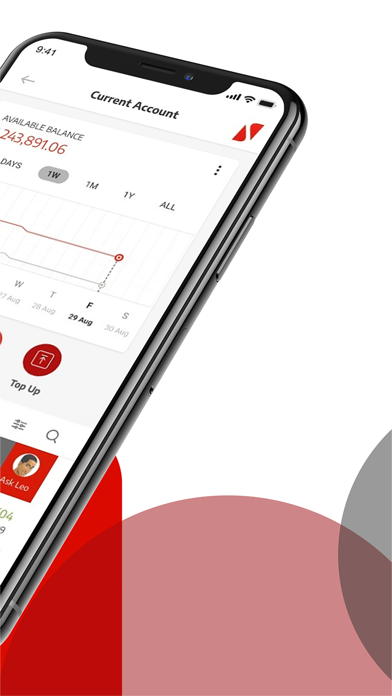
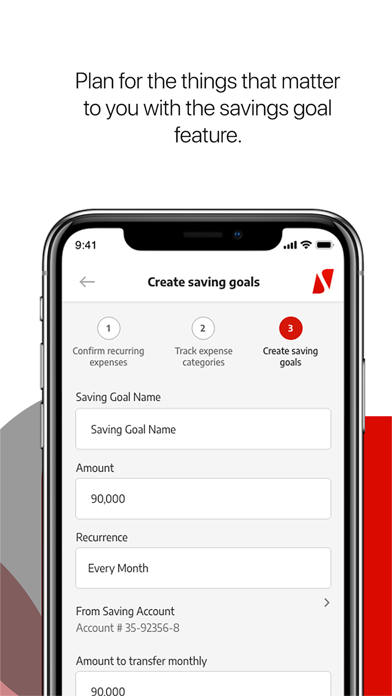
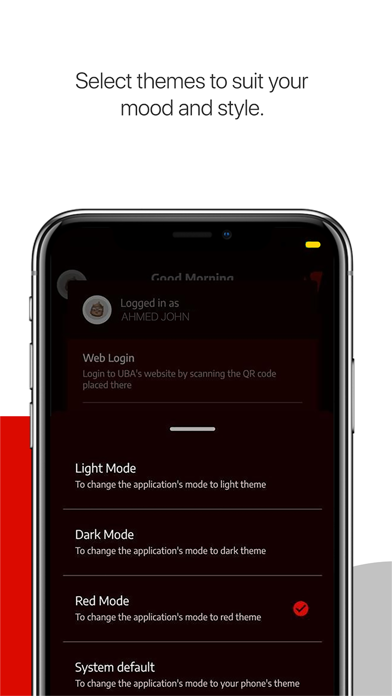
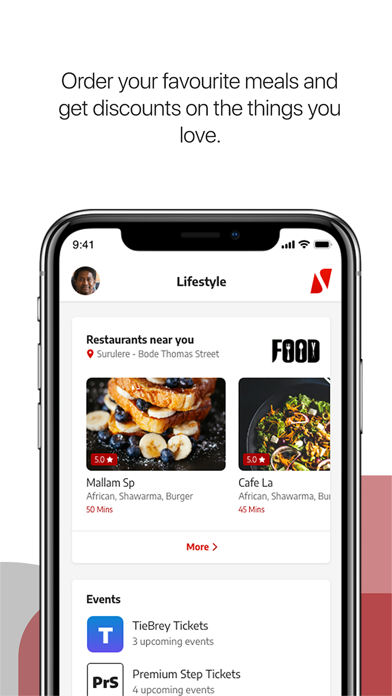
Manage your accounts, send money, top-up airtime, schedule your bills, save for your goals, and much more... The UBA Mobile App is your Personal Financial Manager and It's Made for you! What's great about the new UBA Mobile App? Everything! You can: Set spending limit Schedule and pay bills Make transfers Get instant notifications Save for your goals Open a new account Interact in multiple languages Sort out transaction disputes easily Find a branch or ATM near you Lock, freeze, cancel and block your card Organise your dashboard Select themes to suit your mood Wave over your phone camera to hide your balance Send money to phone numbers Confirm, request, and stop cheques To get started If you have a UBA account, select Sign-up and register as a new user by choosing from any of the options below: 1. UBA Debit/Prepaid Card 2. UBA Secure Pass 3. USSD PIN 4. Activation Code Only (limited access) 5. In-branch activation If you do not have a UBA account 1. Click the menu on the top-left corner of your app 2. Select "Open an Account" 3. Choose your preferred account type 4. Fill in your details and your account number will be sent to you via SMS 5. Conclude your signup process 6. Start Banking
Screenshots