The Movie App - Shows & Movies
David Azancot

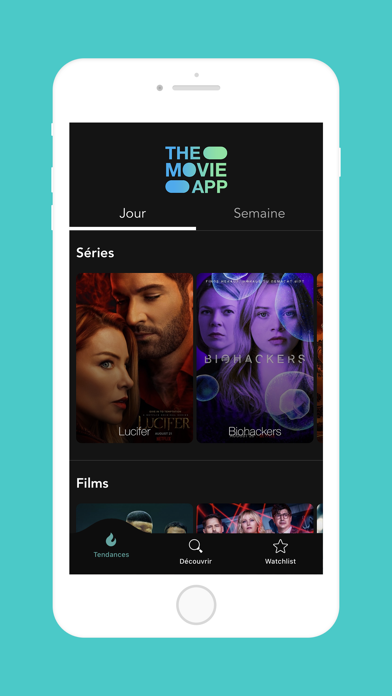
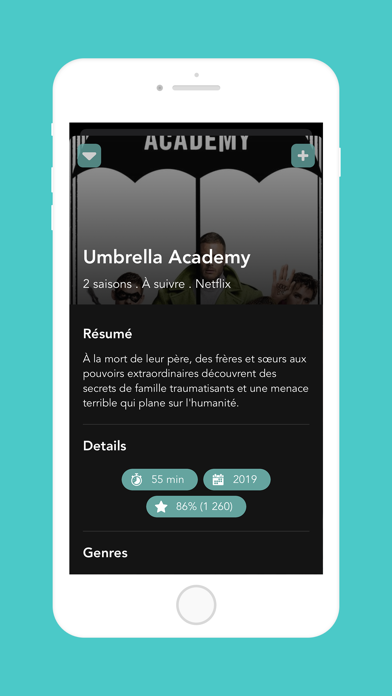
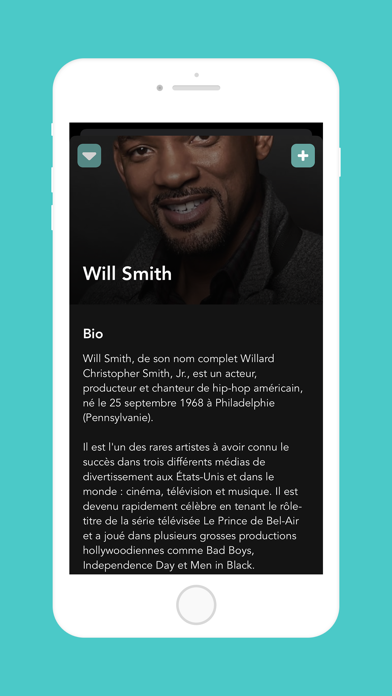
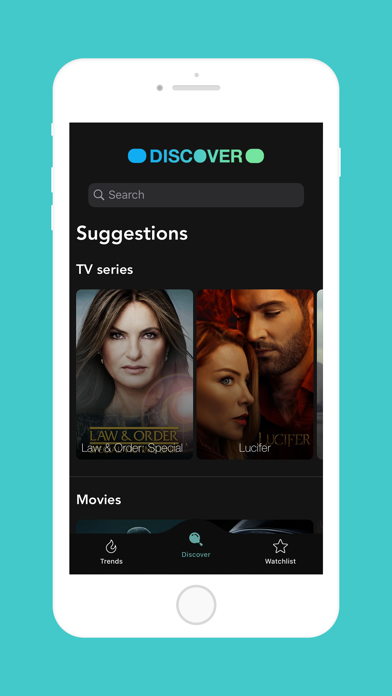
Welcome to The Movie App - Your Ultimate Entertainment Hub! Prepare to embark on a cinematic journey like never before with The Movie App! Dive into the captivating world of movies and TV series, where endless entertainment awaits. Key Features: - Stay Up-to-Date: Access the latest movies and TV series right at your fingertips. Never miss out on what's trending in the world of entertainment. - Personalized Favorites: Create your own curated list of favorite movies for easy access whenever you want to indulge in your preferred genres. - Discover Your Stars: Explore detailed bios and filmographies of your favorite actors, unlocking insights into their remarkable careers. - Find Your Next Watch: Discover similar movies or series based on your preferences, ensuring every viewing experience is tailored to your taste. - Effortless Search: Seamlessly search for movies, TV series, and actors, making it effortless to find exactly what you're looking for. - Visual Delights: Immerse yourself in trailers, behind-the-scenes clips, and exclusive videos to enhance your movie-watching experience. - Never Miss a Moment: Create a watchlist of series and movies to catch up on later, ensuring you never miss a single moment of your favorite shows. Have feedback or encountered an issue? We're here to help! Contact us via email at contact@apps4fun.fr, and our dedicated team will assist you promptly. Download The Movie App now and elevate your entertainment experience to new heights!
Screenshots