Crestron Go
Crestron Electronics, Inc.

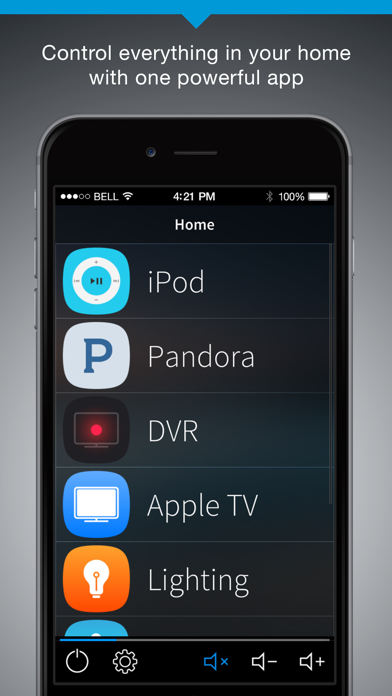
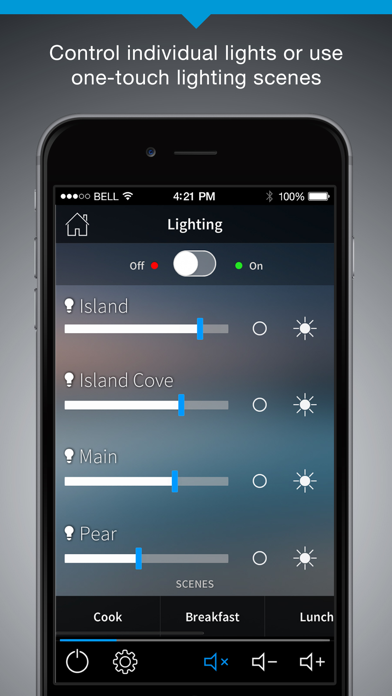
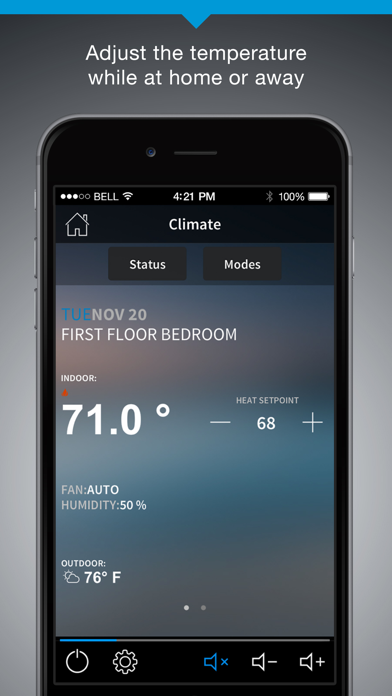
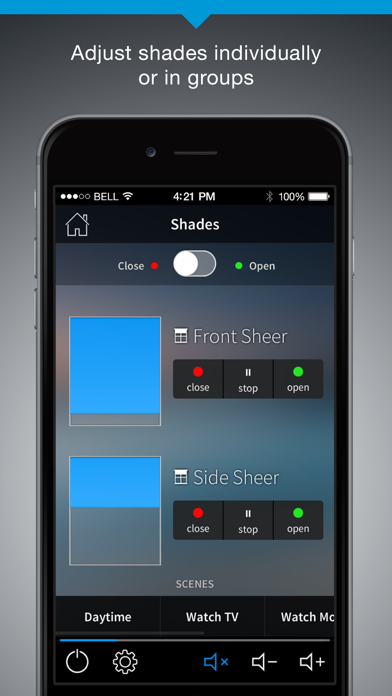
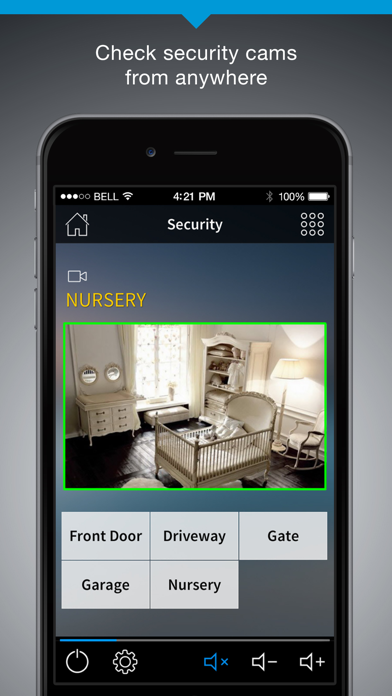
Whatever you do with your mobile device, you want the experience to be intuitive, reliable, and enjoyable. With the Crestron Go app, your Crestron dealer can provide you with a thoroughly satisfying and intuitive user interface, customized to meet your exact control needs in the home, workplace, classroom, or for any specialized application or market. Crestron Go leverages spectacular Crestron Smart Graphics™ to enable dynamic navigation that includes swiping, knobs, sliders, gauges, and scrolling lists. It includes a full set of scalable buttons, sliders, knobs, and gauges for controlling virtually any function with real-time feedback of audio settings, lighting levels, room temperature, and security system status. With Crestron Go, you get toolbars and menus that scroll with momentum at the flick of a fingertip, giving you easy access to all your controlled devices, functions, and media content. Crestron Go affords a look and feel that’s consistent with the mobile smart device experience, yet uniquely your own. With support for the Apple Super Retina® display, your UI will look its best, while support for the Crestron VC-4 gives you a centralized server based alternative to individual hardware based control systems in every room.
Screenshots