Widgy Widgets: Home/Lock/Watch
Woodsign

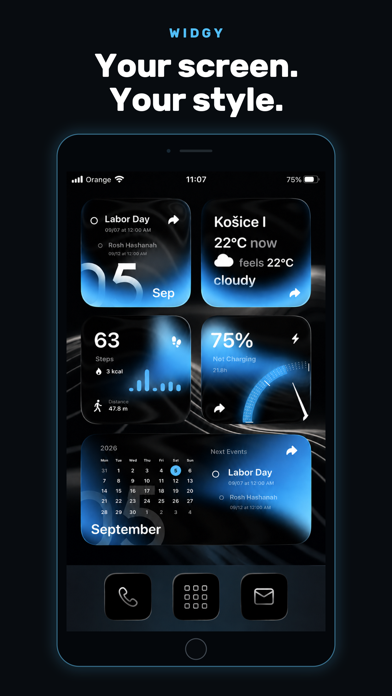
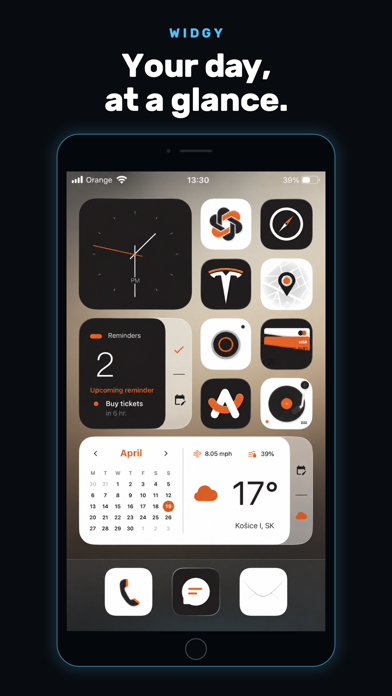
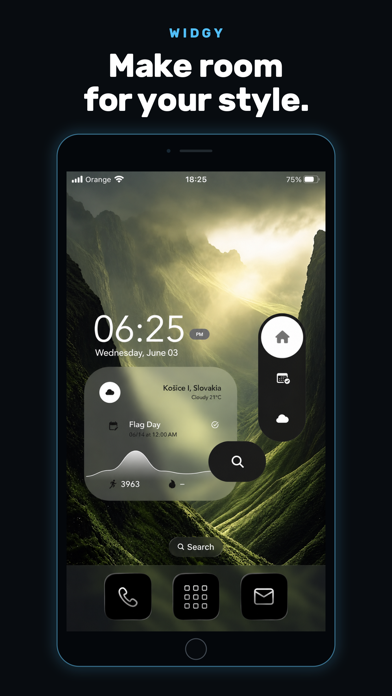
Pick a design you love, then make it yours. Widgy brings custom widgets to your Home Screen, Lock Screen and Apple Watch, built around your style and the information you care about. START WITH A COMMUNITY DESIGN Explore widgets shared by the Widgy community. Import a design, personalize it, or create your own from scratch. MAKE THE DETAILS YOURS Arrange text, photos, symbols, shapes and charts in layers. Adjust colors, fonts, gradients and layout while you see the result in the editor. PUT YOUR DAY AT A GLANCE Create clocks, weather displays, calendars and countdowns. Bring together reminders, activity data and other information in a layout that works for you. Available data depends on the sources and permissions you choose. GO BEYOND THE HOME SCREEN Create Lock Screen widgets and personalize your Apple Watch with Watchy. Explore Live Activities and Dynamic Island layouts on supported devices. Features vary by device and operating system. BUILD SOMETHING MORE Use charts, gauges and custom data sources to create detailed dashboards. Share your widgets with a QR code, a link or a file, and discover more designs from other creators. Try Widgy for free. Optional in-app purchases unlock additional widget slots and features. HEALTH AND PERMISSIONS With your permission, Widgy can display data from Apple Health. Health access and other permissions are optional and depend on the widgets you choose. Widget designs featured in screenshots and app previews: @homescreen_design_marco, @Ahmadansari2233 and pauljima.
Screenshots