Scanner: Scan Documents
DISTRITO SLU

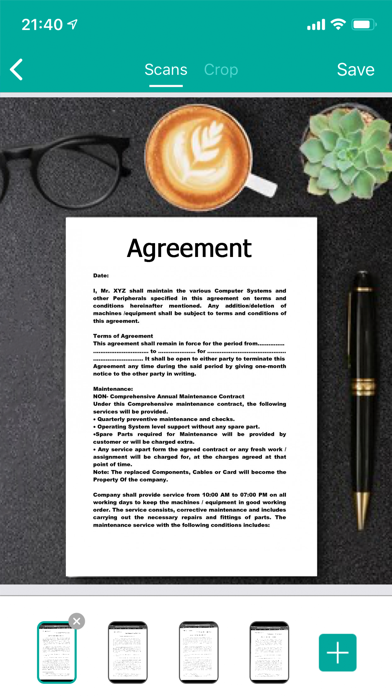
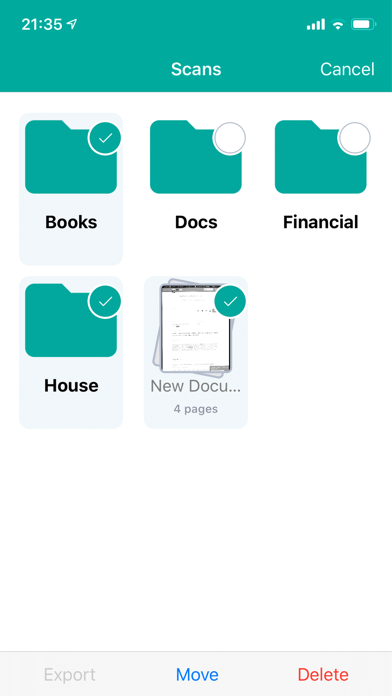
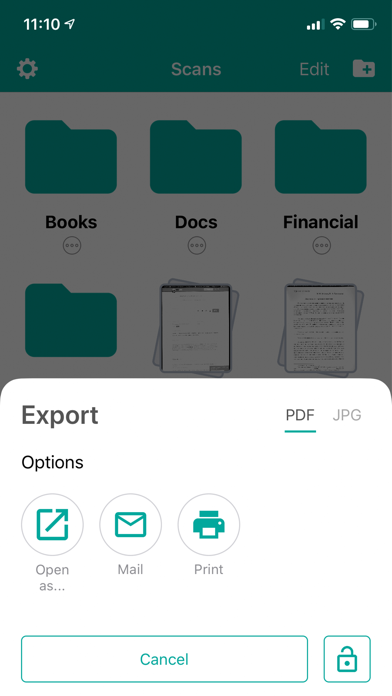
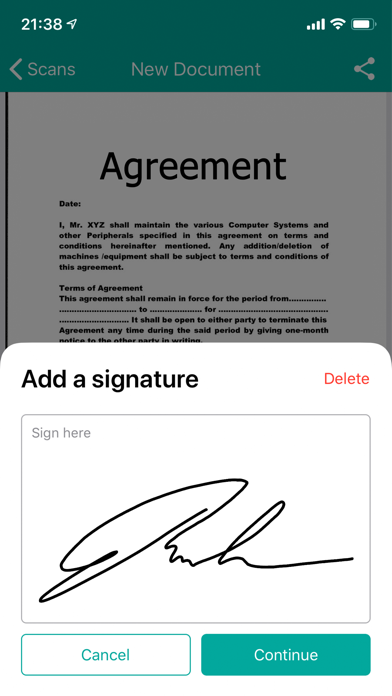
Turn your device into a portable scanner: scan to PDF, e-sign, edit and share any printed documents! Using only your iPhone or iPad you can instantly scan and print any written, printed or graphic material, including: - Contracts for your partners or clients; - Business cards; - Receipts to track your expenses; - Paper notes and mindmaps to save the best ideas for future reference; - Book pages and articles for further reading and analysis; - Texts that don't offer a digital copy; Features: - High resolution scans that preserve most of the original paper document details - Built with OCR technology - Multiple page PDF support - Modify, delete pages - Image processing engine that allows you to change contrast, enhance, sharpen for the perfect document quality! This app contains subscription : - You can subscribe for premium account with unlimited scans, premium features and no ads - Subscription is from $9.99 USD monthly* - Subscription automatically renews for the same price and duration period as the original "one week"/"one month"/"one year" package unless auto-renew is turned off at least 24-hours before the end of the current period - Payment will be charged to iTunes Account at confirmation of purchase - Subscriptions may be managed by the user and auto-renewal may be turned off by going to the user's Account Settings after purchase - Any unused portion of a free trial period, if offered, will be forfeited when the user purchases a subscription to that publication, where applicable Privacy Policy: https://adstocashsl.com/privacy Terms and Conditions https://adstocashsl.com/tof
Screenshots