BP Doctor
Yanhe Intelligent Technology (Hangzhou) Co., Ltd.

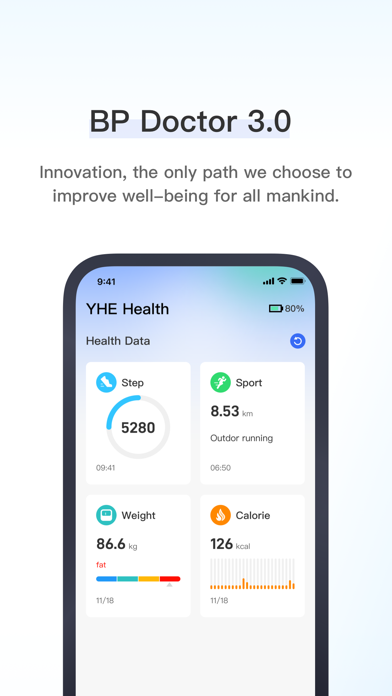
BP Doctor - Enjoy a Healthier Lifestyle and Take Charge of Your Health • Manage Watch Data: Sync your smartwatch with the app to help you record and manage your health status effectively. • Track Workout Data: Log your exercise details, including speed and other metrics, to make your workouts more scientific and efficient. • Personal Reminders: Silent vibrating alarms that gently wake you without disturbing others. • Call and Message Notifications: Stay informed with reminders for incoming calls, text messages, and more, ensuring you never miss any important updates. [BP Doctor VIP Continuous Subscription Instructions] 1. Service name: BP Doctor VIP 2. Subscription period: monthly/half-yearly/annually 3. Payment: The payment will be credited to the iTunes account after the user confirms the purchase and payment 4. Cancel subscription: If you need to cancel the subscription, please manually turn off the automatic renewal function in the iTunes subscription management 24 hours before the current subscription expires 5. Privacy Policy: https://www.yhetechs.com/en/legal.html 6. User Agreement: https://www.yhetechs.com/en/userAgreement.html 7. Automatic Renewal Membership Agreement: https://help.yanhezhineng.com/#/enVipAgreement Disclaimer: This app is a health management tool, not medical software. The health-related content displayed in this app (including but not limited to health data, health services, and health assessments) is for personal reference only and should not be used as a basis for medical diagnosis or treatment. If you feel unwell or need medical advice, please consult a qualified healthcare professional or medical institution promptly.
Screenshots