Clipboard - Paste Keyboard
秀平 罗

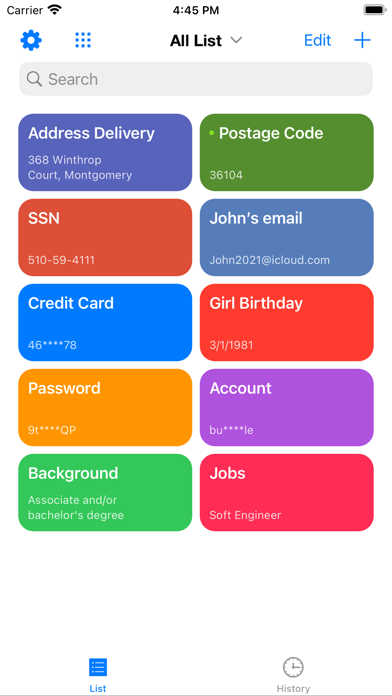
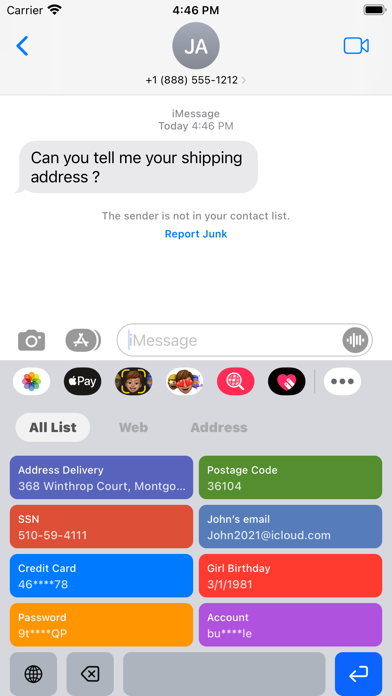
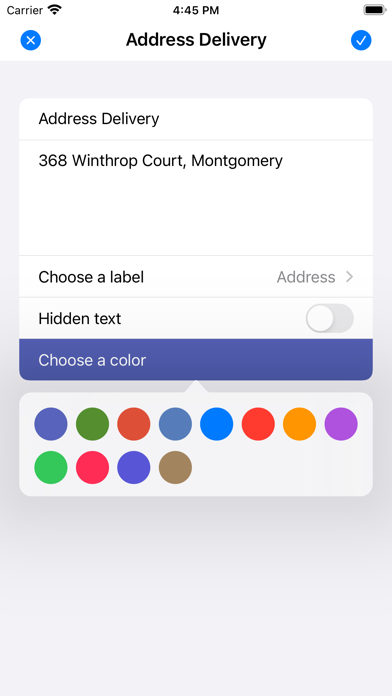
Clipboard is a cross-platform clipboard efficiency tool that supports synchronizing all clipboard and checklist records across iCloud on iPhone, iPad and Mac devices. You can use it to store a variety of data, including text, images, files, and more. Help users improve efficiency, save time, and say goodbye to "duplicate" inputs. Features: - Support macOS and iOS devices to seamlessly sync clipboard data. - Support shortcut key selection operation application, no mouse operation is required during use. - Support custom arrangement page combinations, choose the layout style that suits you. - Support search history clipboard data, quickly locate search content. - Support long press or shortcut key to preview rich text or picture details. Welcome everyone, give us feedback and suggestions during use! 【Auto-renewal Professional Edition Package Instructions】 -- Subscription period: 1 year (continuous monthly subscription) -- Payment: After the user confirms the purchase and pays, it will be credited to the iTunes account. -- Cancel renewal: To cancel the renewal, please manually turn off the automatic renewal function in the iTunes/Apple ID settings management 24 hours before the current subscription period expires. -- Renewal: Apple iTunes account will be deducted within 24 hours before expiration, and the subscription cycle will be extended by one subscription cycle after the deduction is successful. -- Privacy Policy: https://github.com/BestVault/Declares/blob/master/Privacy.md -- Automatic renewal membership service agreement: https://github.com/BestVault/Declares/blob/master/TermService.md
Screenshots