Color Harmony - Apps Organizer
Alexey Tataurov

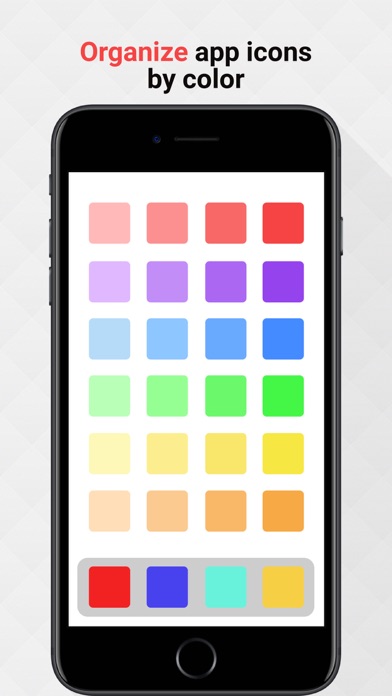
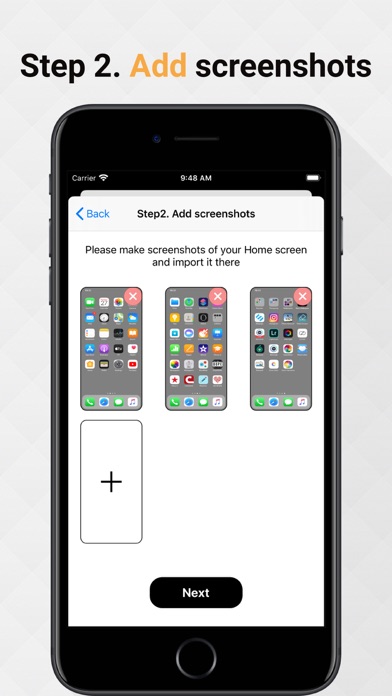
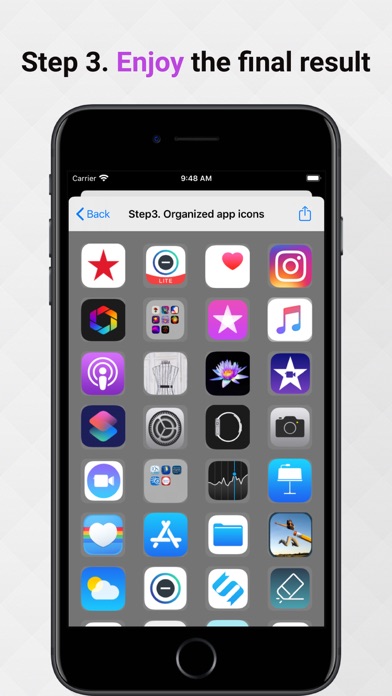
Are you tired of messy app icons on your Home screen? Want to be more organized and productive? Here comes this app for helping you organize it easy. Just follow the three steps and enjoy a fantastic result. ATTENTION! Due to iOS limitations, the app CANNOT move your app icons, instead it provides an EXAMPLE of how your icons can be organized by color. So, you should MANUALLY move your icons in the specified order. Follow these steps: Step 1. Download a gray background image in your photo library and set it on you Home Screen. It will allow better recognize your app icons Step 2. Make screenshots of your Home screen and add it to the queue Step 3. Enjoy the new order of your app icons and move it in the specified order If you have any questions or proposals contact the author at support@alextataurov.com.
Screenshots