Photo Sketch & Pencil Sketcher
永亮 潘

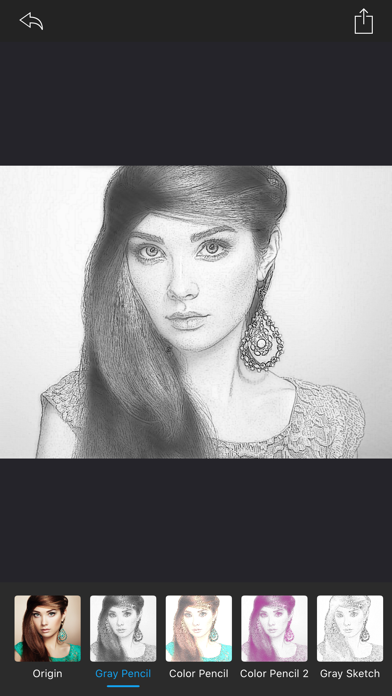
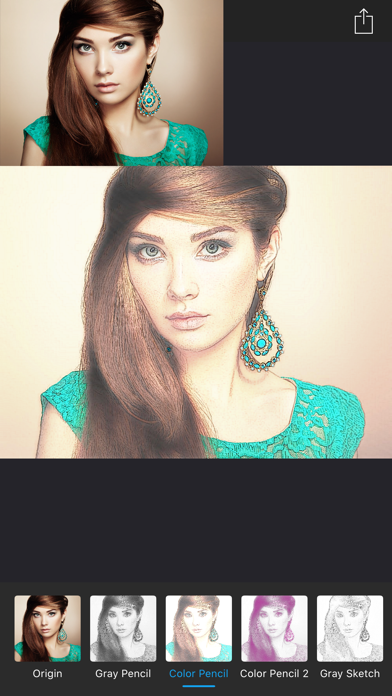
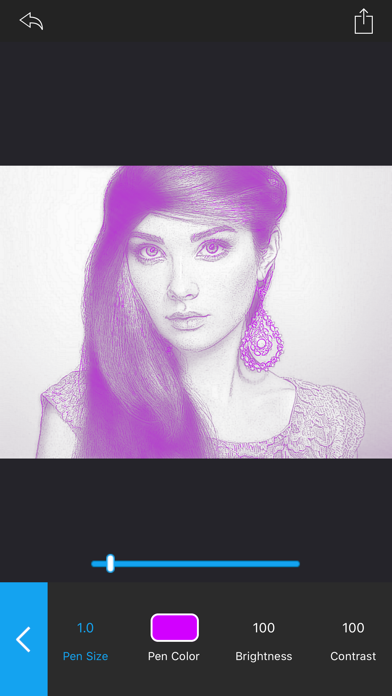
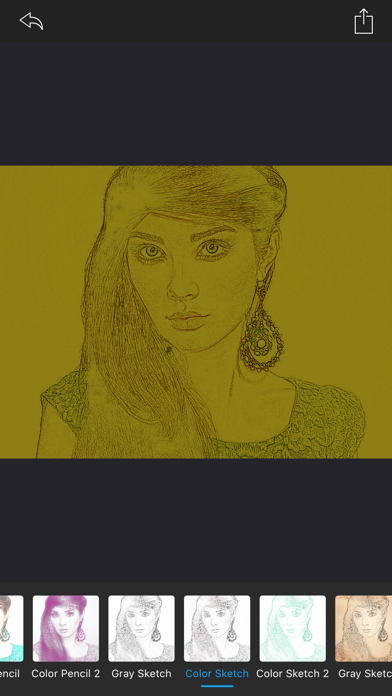
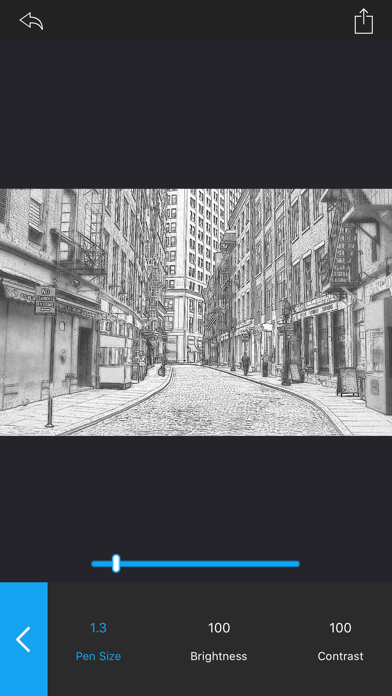
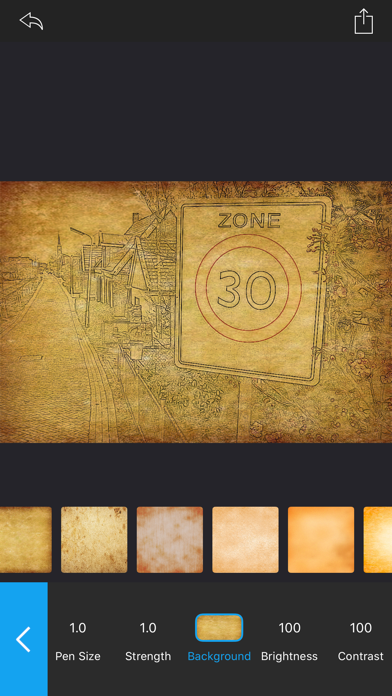
Photo Sketch can also generate pencil strokes with transparent backgrounds for further free creation based on your ideas. Easy: To sketch a photo, you just need drag and drop your photo into Photo Sketch window. Key features: - Enable the engine for tone drawing; - Fast,Displays results in real time; - Save sketches in original size; - Colorize with original colors; - Set pen color; - Set pen size; - Set background color; - Generate pencil strokes with transparent background for further free creation after saving; - More than 20 different paper backgrounds provided; - Adjust brightness and contrast; - Compare instantly the Original/Sketch; - Photo Sketch supports many photo image formats:JPG, TIFF, PNG, BMP, GIF, JPF… Please send an email to ColorLemonStudio@yeah.net, if you have any problems.
Screenshots