eBoox - fb2 ePub book reader
REDIT, OOO

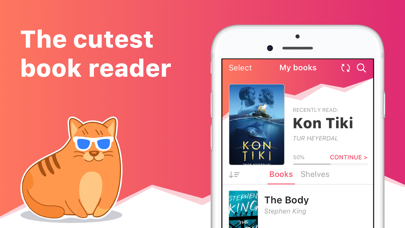
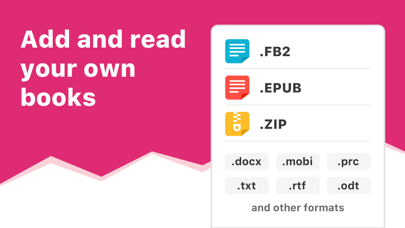
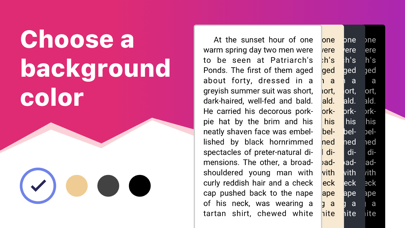
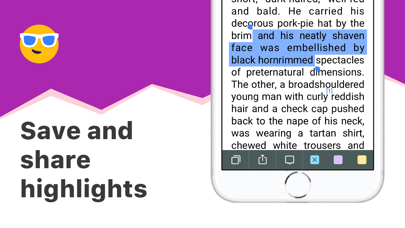
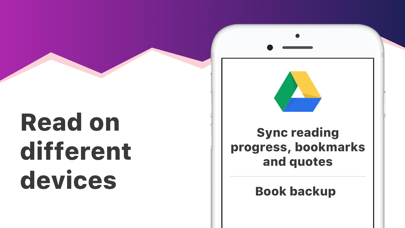
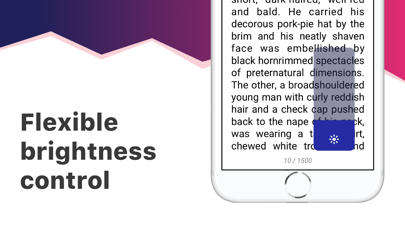
eBoox – the most pleasant book reader ever! * *according to my mom :) • Cute, simple and useful UI, • Effective reading tools: bookmarks, 3-colors highlights, interactive links and notes, • Dark mode and offline reading, • Customized settings - Fonts, Fields, Text size, screen Brightness, Page scrolling, ets. • Suppots all your e-books, even in ZIP: EPUB, MOBI, DOC, DOCX, TXT, FB2, PRC, RTF, ODT, HTML, AZW, AZW3 and others text documents, • PDF supported (beta), • !Completely AD-FREE, • !Online auto SYNC of ebooks and reading progress, • !FREE WEB e-reader available! Start reading your e-books right now! Upload books via iTunes, import your files from the email, web browser, cloud storages (iCloud, Google Drive, Dropbox, Yandex.Disk etc) or share via AirDrop. In the app you will find detailed guide How to add ebooks in different ways. And we've already added three classic welcome books so you can appreciate the e-reader right away! This is a upgraded version of eBoox. The old one is no longer supported. In order not to lose your books, progress, quotes and bookmarks, install this app version. Run it on device and wait for the data transfer to finish. When you make sure that all your books appeared in eBoox 2020, you can safely delete eBoox.old. You can turn on the synchronization for backup.
Screenshots