Repost Reels, Stories, Videos
Appside

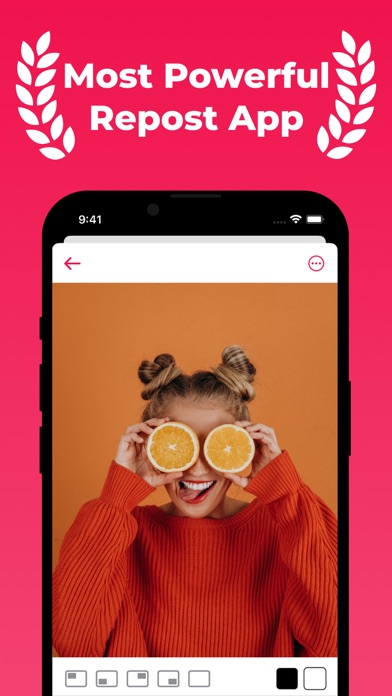
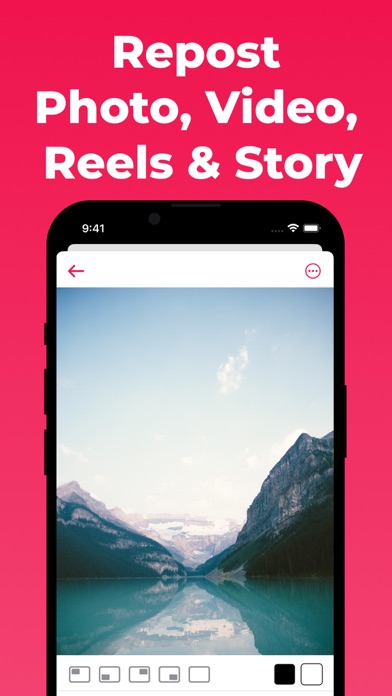
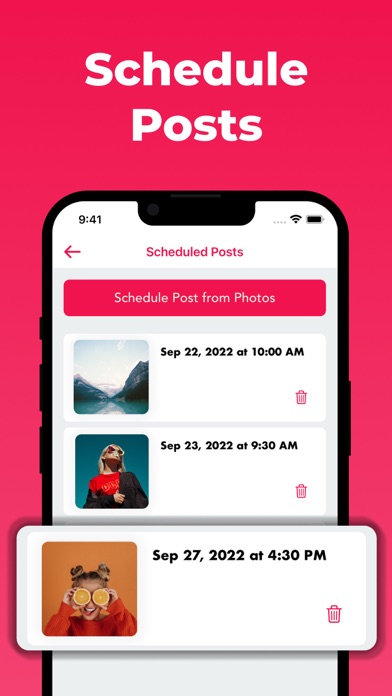
Repost photos, videos, Reels, and Stories with tools for the words and planning that go with them. Prepare your next share, edit the caption, find relevant hashtags, and schedule posts for later in one app for creators and businesses. REPOST REELS, STORIES, PHOTOS & VIDEOS Make reposting part of your routine. Share photos and videos to Stories or Reels, and prepare the accompanying text before you publish. Whether you are sharing your own work again or reposting with a creator's permission, keep the content and its message connected. MAKE THE CAPTION YOUR OWN Reposts need context. Copy and edit captions to explain why you are sharing, introduce a topic, or add your perspective. Use the caption editor to adjust your wording before sharing. Keep the original meaning and give credit where it belongs. HELP WITH AI WRITING Need a starting point? Use the AI writing tools and text generator to explore ideas for your next caption. Turn a starting thought into a draft, consider another way to phrase your message, and edit the result in your own voice. Review generated text for accuracy and suitability before posting. FIND RELEVANT HASHTAGS Use the hashtag tools to find options related to your content. Choose tags that fit the subject and the audience you want to reach. Bring your caption and hashtags together before sharing a post. PLAN POSTS FOR LATER Prepare content around your publishing plans with the post scheduler. Schedule posts for later as part of your creator routine, rather than leaving every caption decision until the moment you want to share. Planning ahead gives you time to review the words and the content together. ADD A WATERMARK Add a watermark to your media as you prepare it for sharing. Use this alongside thoughtful captions and appropriate creator credit. A watermark does not replace permission to reuse someone else's work or establish ownership of content you did not create. A WORKFLOW FOR DIFFERENT CREATORS For personal accounts, bring your perspective to the content you share. For creators and influencers, prepare captions and hashtags alongside your media. For businesses, plan the wording around the message you want a post to communicate. Choose the tools that fit the task, from captions to later posts. BEFORE YOU SHARE Check the media, review the caption, and make sure the hashtags are relevant. Confirm that you have the rights or permission needed to repost. Keep attribution accurate, and make your own edits clear. Thoughtful preparation helps your audience understand both the content and why you chose to share it. REELS REPOST PRO Reels Repost Pro offers unlimited access to the creator tools through an auto-renewable subscription. Available plans, subscription durations, and prices are displayed in the app before purchase. Features may require a subscription. SUBSCRIPTION INFORMATION Payment will be charged to your Apple Account at confirmation of purchase, unless an eligible free trial applies. Subscriptions renew automatically unless canceled at least 24 hours before the current period ends. Your account will be charged for renewal within 24 hours before the current period ends, at the price shown for your selected plan. You can manage or cancel your subscription in Settings > your name > Subscriptions. Deleting the app does not cancel a subscription. If a free trial is offered, eligibility, duration, and the price after the trial are shown before you subscribe. Cancel at least 24 hours before the trial ends to avoid a charge. CONTENT RIGHTS & INDEPENDENCE Only repost content you own or have permission to use. Respect copyright and the terms of the platform you use. Repost is an independent app and is not affiliated with, sponsored by, or endorsed by Instagram or Meta. Terms of Use: https://young-depths-47125.herokuapp.com/terms Privacy Policy: https://young-depths-47125.herokuapp.com/privacy End User License Agreement (EULA): https://www.apple.com/legal/internet-services/itunes/dev/stdeula/
Screenshots