Playlist Tools
Jan Tichy

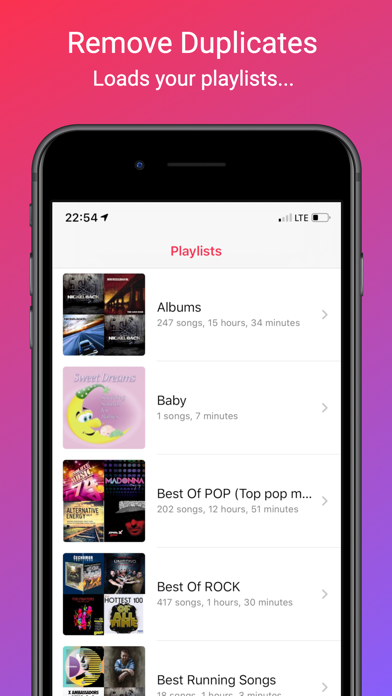
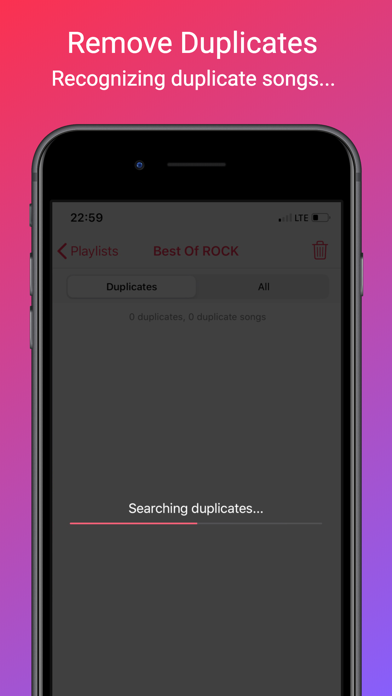
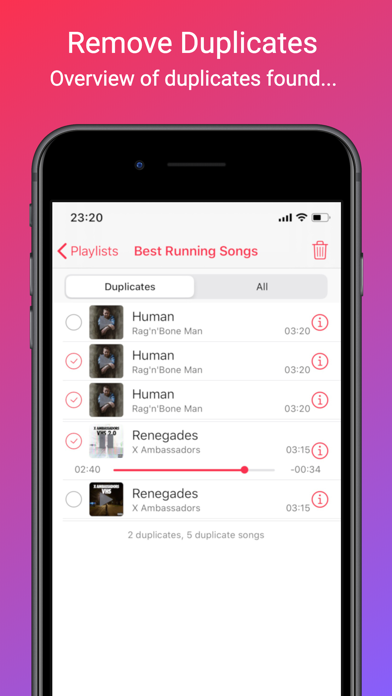
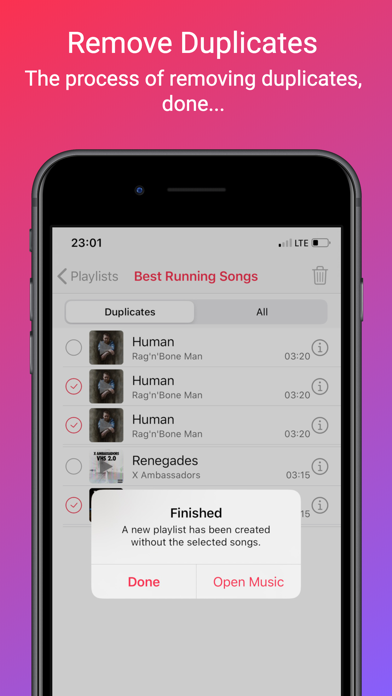
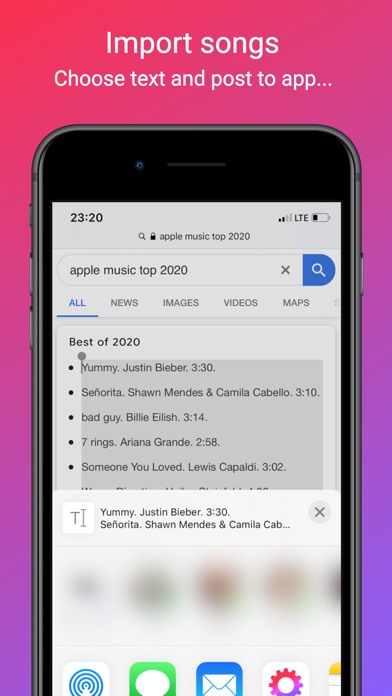
Do you use the Music app? Then... Remove Duplicates ================ Do you have playlists that contain duplicates or same songs from multiple artists? Music Tools will detect and remove these duplicates without the need for iTunes. The process of removing songs detects duplicates and do preselect duplicate songs for deletion. You can adjust the preselection of songs to suit your needs. The song removal process creates a new playlist that does not contain duplicate songs. Import songs =========== If you have an Apple Music subscription and need to add lots of songs, use the feature to import songs into Music. Songs can be imported from selected text from any application using the Share function. Or from a text file (.txt extension) in any of your applications. Each song title (+ artist name) must be on one line. The song import process looks for a song title in Apple Music service. For each song title, it selects one match and offers other possible songs. After you checking the search, enter the name of the new playlist and start the import process. Import adds songs from Apple Music to your library in one batch.
Screenshots