Test Multitouch
Arciem LLC

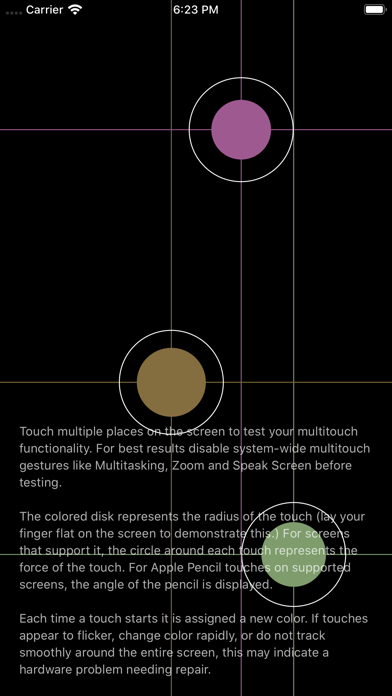
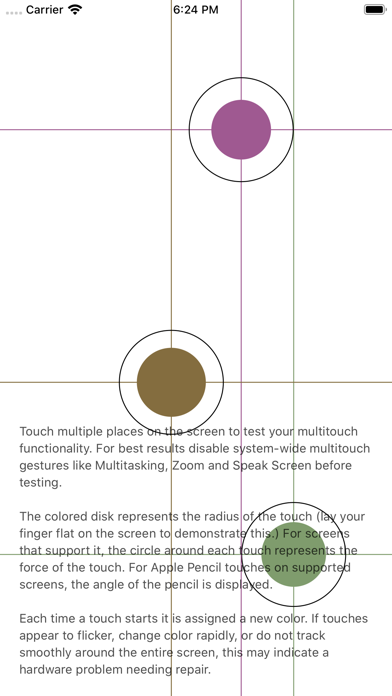
Touch multiple places on the screen to test your multitouch functionality. For best results disable system-wide multitouch gestures like Multitasking, Zoom and Speak Screen before testing. The colored disk represents the radius of the touch (lay your finger flat on the screen to demonstrate this.) For screens that support it, the circle around each touch represents the force of the touch. For Apple Pencil touches on supported screens, the angle of the pencil is displayed. Each time a touch starts it is assigned a new color. If touches appear to flicker, change color rapidly, or do not track smoothly around the entire screen, this may indicate a hardware problem needing repair. • Works with iOS 12 and later. • Simple on-screen instructions and tips. • Supports system-wide dark mode on iOS 13 and later. • Supports iPhone and iPad. • Supports 3D Touch and Apple Pencil.
Screenshots