Unity Virtual Camera
Unity Technologies ApS

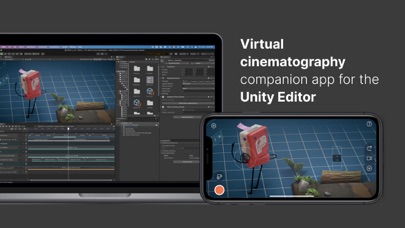
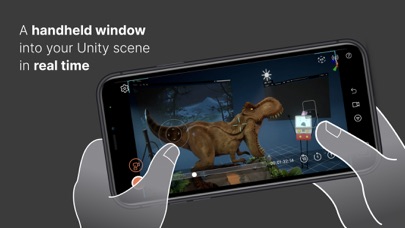
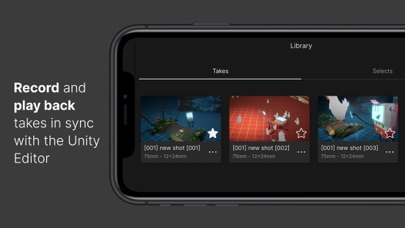
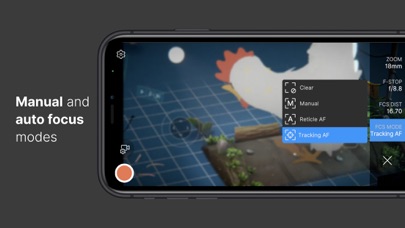
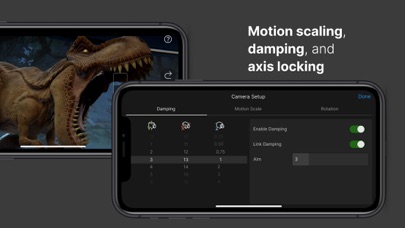
* This app requires a connection to the Unity Editor to function (see the requirements below). * Setup: https://docs.unity3d.com/Packages/com.unity.live-capture@4.0/manual/virtual-camera.html Unity Virtual Camera is a simple, intuitive tool for virtual cinematography in Unity. It captures the position and orientation of your mobile device and allows you to control a camera in Unity in real time. Use Unity Virtual Camera to: - Preview and record camera motion for films, animations, games, and other content. - Block shots and discover your lens language. - Create storyboards. - Scout locations in virtual environments to explore, feel, and understand the space. Key Features: - See results in real time, both in-Editor and on the device. - Play back your takes instantly. - Adjust ergonomic controls for comfortable handling. - Record everything in a single pass, or isolate elements for finer control. - Control focus, zoom, depth-of-field, and more. - Synchronize the app data with other connected devices using a centralized timecode source. Requirements: - Computer running Windows or macOS - Unity Editor 2021.3 or later version - Live Capture (Unity package) - Private network access for both the app and the Unity Editor Documentation: - User Manual: https://docs.unity3d.com/Packages/com.unity.live-capture@4.0/manual/virtual-camera.html - Forum: https://forum.unity.com/threads/1111255/
Screenshots