DWG Tools - View & Convert DWG
沦 彭

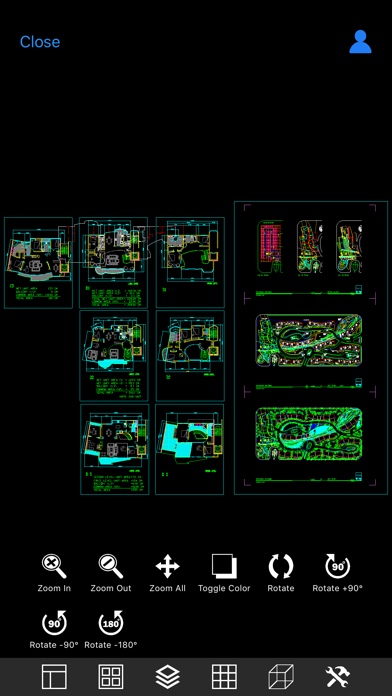
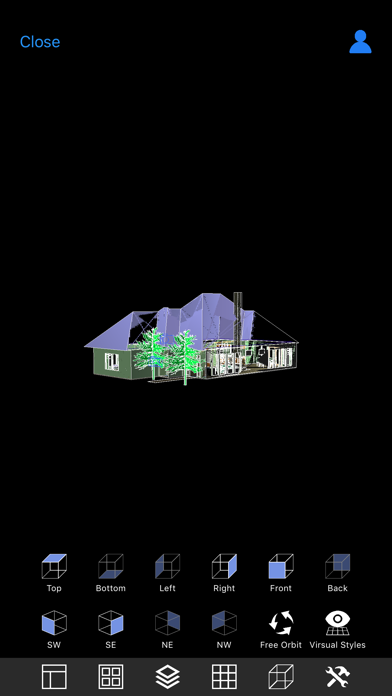
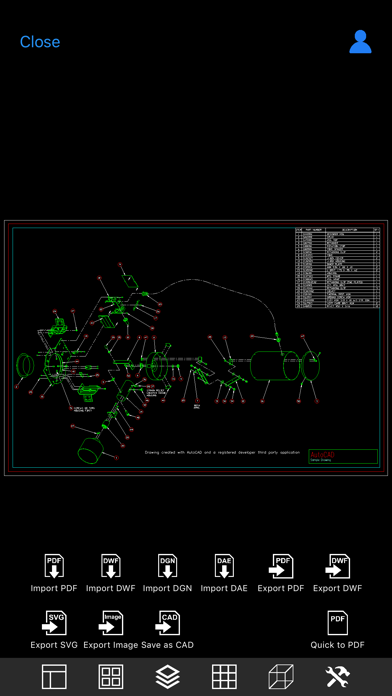
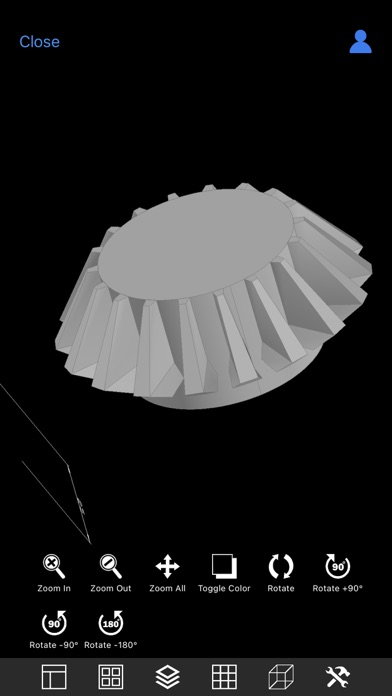
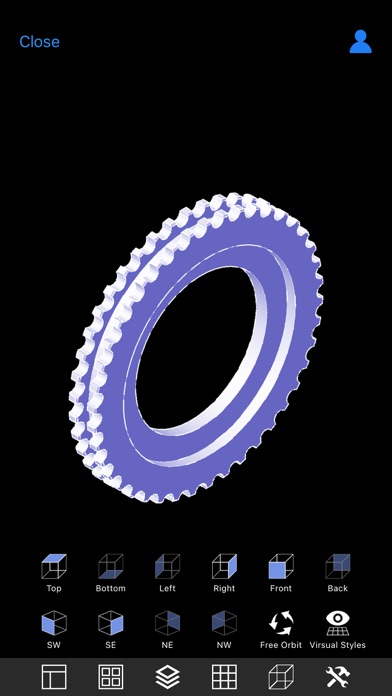
DWG Tools is a CAD toolkit for viewing dwg, dxf, dwf, dgn, dae, pdf, svg, etc. and converting these files to each other. CAD Languages: Latin, Arabic, Cyrillic, Greek, Turkish, Hebrew, Baltic, Vietnamese, Thai, Japanese, simplified Chinese, traditional Chinese, Korean. Main features: ◆Drawings management 1. Use the file management method of IOS system. 2. View drawings local and shared by other apps. 3. View recent drawings. 4. Manage files with color labels. ◆View drawings 1. View dwg, dxf, dwf, dgn, dae, pdf, svg files directly. 2. Automatic recognition of fonts. 3. Manipulating views through gestures (pinch, pan, rotate) 4. Switch the layout and view. 5. Show and hide the layer. 6. Switch the background color. 7. 3D perspective 8. Free dynamic observation. 9. Switch the visual style(Hidden, Realistic, etc.). ◆Convert drawings 1. Batch conversion. 2. Input types: PDF, DWF , DGN, SVG, DAE, etc. 3. Output types: PDF, DWF , SVG, DAE, Image, STL, CAD, etc. ◆Subscription instructions All subscription and payment processes are performed on your iTunes account. Cancel anytime in Settings at least a day before each renewal date. Plan automatically renews until cancelled. ◆Privacy Policy and Terms of Use: http://moonlightbeauty.strikingly.com/
Screenshots