Transfer Music
Danil Voidilov

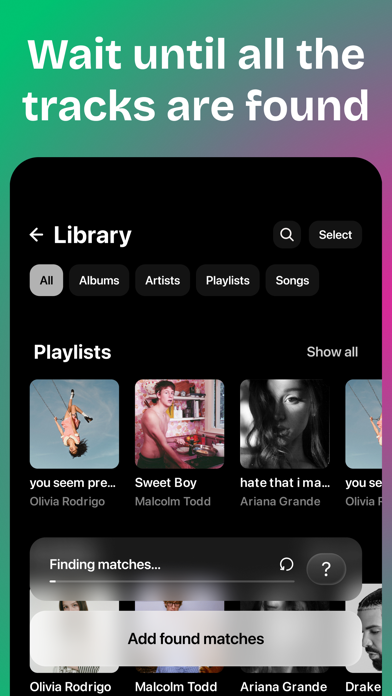
Whether you're using Spotify, Apple Music, YouTube Music, Amazon Music, Tidal, SoundCloud or Yandex Music, your music will always be with you. Move your playlists, albums, artists and tracks between music services in just a few taps. How it works: • Pick your source • Let the search do its thing • Choose what you want — or grab it all • Hit the Add button With Transfer, you can: • Switch to a new music service effortlessly • Take your entire music library with you • Move playlists, albums, artists, or just the tracks you want • Transfer everything at once or pick and choose • Change your mind? You can always switch back Remember, you'll need an active subscription for the destination app. Yes, subscriptions are paid. And don't worry if some tracks are missing — it depends on the track names and what's available in your region.
Screenshots