Treatment Pad AI Layout Camera
Ashraf Samy

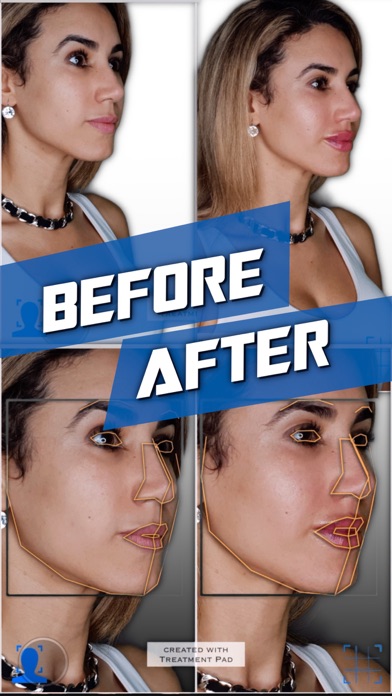
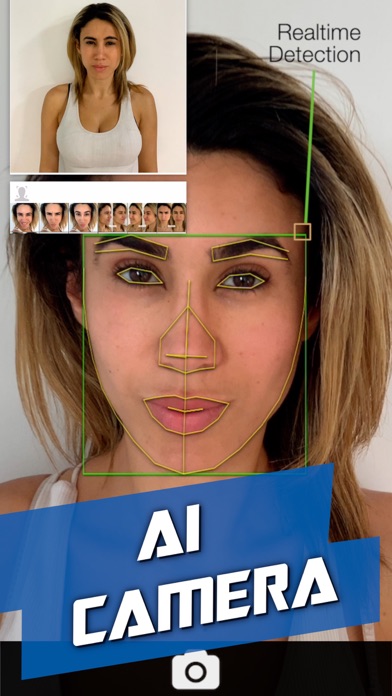
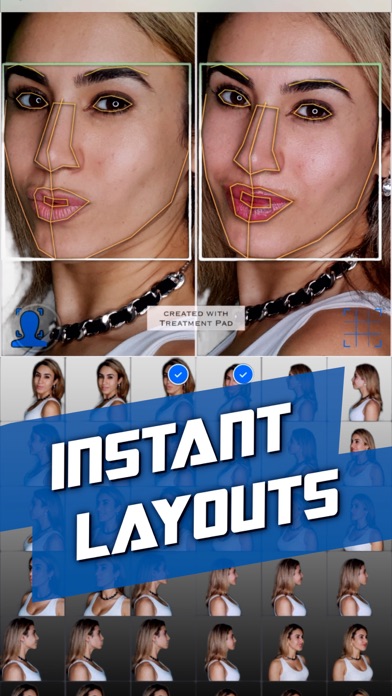
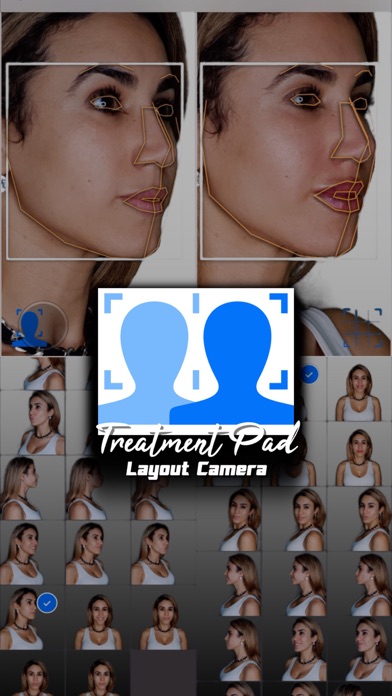
Treatment Pad uses computer vision technologies to aid you in quickly generating before and after photos. LAYOUT EDITOR - In the gallery view first select your before and after photos. - Then press the facial alignment icon to use computer vision to mark and identify facial features detected in the photographs for automatic alignment. - Use the optional grid overlay for micro-adjustments. - Use the settings menu to filter by face orientation or toggle backgrounds. - Tap the share icon to save or add a blur. - Tap or long press the template icon to toggle or switch templates CAMERA - In the gallery view tap the camera icon at the centre to launch the layout camera. - Select photographs to compare with using the left pane. - Take photographs with the camera using the right pane. - The detected rotations are displayed to help guide you to take matching shots. - The facial alignment icon can be used to show the detected face in both panes. SUBSCRIPTIONS Pro Layout: Upgrade to remove the 'created with Treatment Pad' watermark. Pro + AI Camera: Upgrade to take photographs with the camera and remove any watermarks. Terms of Use: treatmentpad.com/subscription-terms MORE More advanced features such as an automatic camera will be coming soon to this app after it has passed its clinical trial in the medical field.
Screenshots