AUTOCOM GO
SmartWay Europe Limited

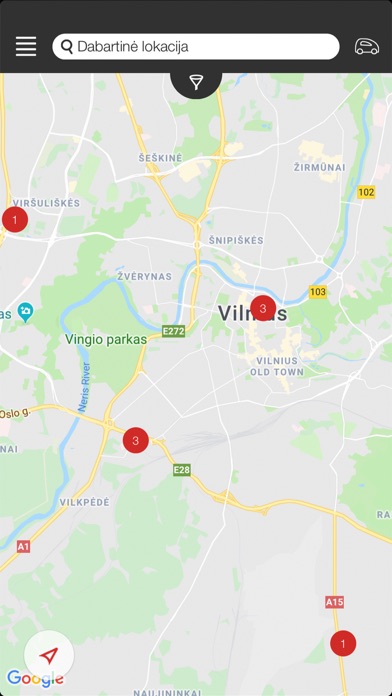
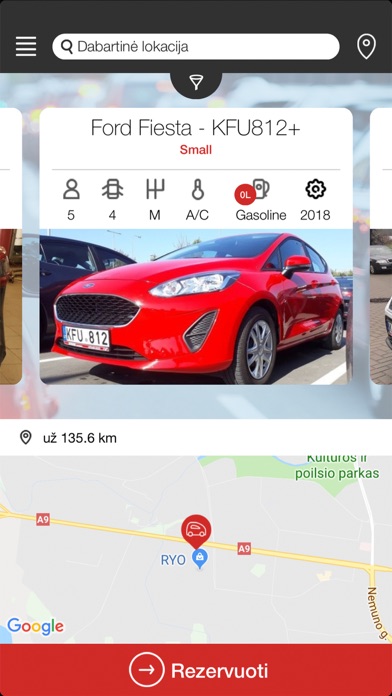
AUTOCOM GO naudotis tikrai paprasta: • Atsisiųskite AUTOCOM GO programėlę į savo mobilųjį telefoną. • Užsiregistruokite. • Rezervuokite Jums patinkantį automobilį programėlėje AUTOCOM GO arba puslapyje www.autocomcarrental.com • Atvykus į Jūsų nurodytą rezervacijos vietą, programėlės navigacija padės lengvai surasti Jums rezervuotą automobilį. • Atrakinkite automobilį vienu paspaudimu ir keliaukite jums reikiama kryptimi. • Po kelionės automobilį palikite rezervacijoje nurodytoje vietoje ir užrakinkite automobilį vienu paspaudimu. Daugiau jokių eilių prie nuomos biurų ir papildomų mokesčių! Gerų kelionių su AUTOCOM GO! AUTOCOM CAR RENTAL – PATOGU IR PAPRASTA! Daugiau informacijos rasite: www.autocomcarrental.com arba info@autocom.lt ------------------------------ How to start using AUTOCOM GO? • Download the AUTOCOM GO app to your phone. • Register. • Book a car you like through the AUTOCOM GO app or on www.autocomcarrental.com • After arriving at the specified booking location, the app navigation will help you to easily locate the car you have booked. • Unlock the car with one click and drive to your destination. • After the trip, leave the car at the location indicated in the reservation and lock it with one click. No more extra charges or queues at the rental office! Have a nice trip with AUTOCOM GO! AUTOCOM CAR RENTAL – CONVENIENT AND SIMPLE! For more info please visit www.autocomcarrental.com or contact us at info@autocom.lt
Screenshots